

Technologies
I’m Finally Using the iPhone 17 Pro’s Camera Control, Thanks to These iOS 26 Settings
In just a month, I’ve already used Camera Control on my iPhone 17 Pro Max more than I did in a whole year with the iPhone 16 Pro.

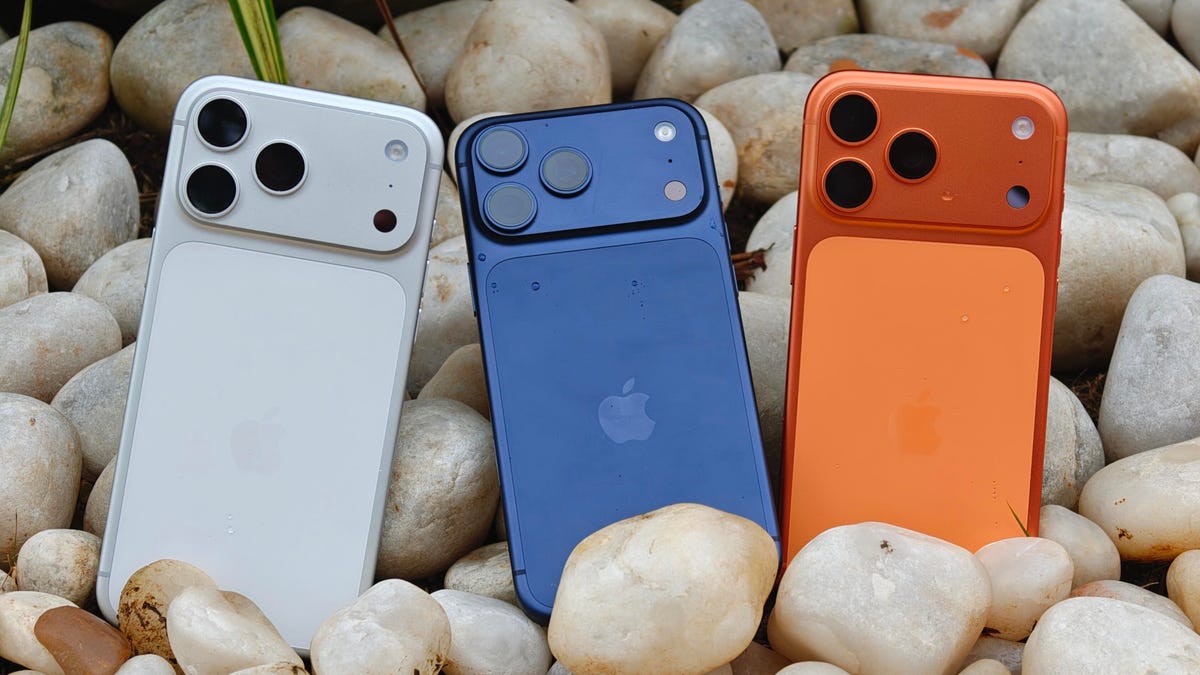
I was keen on using the Camera Control button when it first debuted on the iPhone 16 Pro. But in over a year of use, it caused more accidental swipes and presses than its intended use cases to take photos and adjust camera settings. I was frustrated with the experience and hoped that Apple would remove it from the iPhone 17 lineup. Instead, the Cupertino, California-based company made its touch-sensitive capacitive control surface more customizable with iOS 26. And I’m happy to report that it helped!
I’ve been using the iPhone 17 Pro since launch and spent 5 to 10 minutes customizing the Camera Control to my liking. The result? Minimized accidental swipes and more conscious usability.
I transformed my Camera Control experience by changing a few iOS 26 settings
When setting up a new iOS 26-supported iPhone, Apple includes a toggle (now turned off by default) called Light press to adjust Zoom, Exposure and more. This is what used to cause a lot of fake input earlier. I’m glad it is turned off by default.
Apple now also lets you customize the Camera Control further from the Settings menu. I tweaked settings there to personalize my shortcuts, functionalities and more.
For example, I’ve set the Camera Control to launch a Code Scanner on Double Click without requiring the screen to be on. This allows me to scan and pay at payment kiosks (my most frequently used mode of payment) without needing to open the payment app and then tap on a menu to scan a code. If I enter the Code Scanner without Face ID, it requires authentication before making the payment, so it is still as secure as ever.
Earlier, I had set an Action Button shortcut to open Google Pay, but I realized I still need a one-press solution to turn the phone to silent mode. Adding a Code Scanner shortcut to Camera Control frees the Action Button to be my Silent Switch again. Moreover, Code Scanner lets you select from multiple apps to pay a vendor, which could be useful for people who use multiple payment apps.
Secondly, I have turned off the Swipe gesture and selected only three controls that I use most often. Now, when I open the Camera app, I can lightly press on the Camera Control button and then swipe between my selected controls. It doesn’t register swipes from the get-go. This has reduced fake touches and my frustrating experience with the swipe gesture.
To further streamline my controls, I chose Exposure, Styles and Tone, and left out Depth, Zoom and Cameras. This way, I have access to hidden viewfinder settings with a single press-and-swipe gesture at my fingertips.
I also turned off the Clean Preview toggle, so I can still switch between cameras with a single tap, and switched on the Lock Focus and Exposure toggle for a light press-and-hold gesture.
Customizing these settings helped me personalize Camera Control and use it more often. Now, it appeals to me with the settings I need and the way I need them, instead of being an overcrowded mess. And you can personalize your Camera Control, too. Here’s how:
Change Camera Control launch functionality
You can use Camera Control as another Action Button to launch an app of your choice. The only requirement is that the app should have access to the camera.
- Go to Settings > Camera > Camera Control.
- Under Launch Camera, select the app you need.
- Go back and select Single Click or Double Click to open the said app.
I rely on Double Click so I don’t accidentally trigger an app when taking out the iPhone from my pocket. In my opinion, it is the safer and more convenient choice.
Under the same Launch Camera menu, you can also choose if you want the screen to be on or off when opening the app. I have turned it off to save the extra step of scanning my face to access the said app.
Choose the Controls that you want to appear on Camera Control
Apple allows you to choose from six controls, namely, Exposure, Depth, Zoom, Cameras, Styles and Tone. I have chosen three because the other three are available as on-screen toggles in the viewfinder.
- Go to Settings > Camera > Camera Control.
- Under Controls, make sure Camera Adjustments is turned on.
- Tap on Customize.
- Under Gesture, turn on Light Press and toggle off Swipe.
- Under Controls, choose the functionalities you need.
- Now, turn off the Clean Preview toggle if you require the viewfinder toggles to remain accessible.
You can further adjust the Camera Control pressure by going into Settings> Camera > Camera Control > Accessibility.
Turn on Lock Exposure and Focus with Camera Control
This setting will help you lock the exposure and focus without needing to press and hold on the viewfinder. It can be beneficial when you need consistent settings, especially when moving the camera from one subject to another.
- Go to Settings > Camera > Camera Control.
- Swipe down to Lock Exposure and Focus.
- Tap on the toggle to turn it on.
For me, Camera Control was a hot mess when it debuted last year because I was either using on-screen controls or the new button. That’s why room for more personalization and customizability has been a game-changer. I realized I could access on-screen toggles while adding hidden settings to one-tap access. On my iPhone 17 Pro, I now use the Camera Control to open my payments app, adjust Exposure and Styles as well as trigger Visual Intelligence when needed.
Technologies
Tinder Users Must Start Logging In With Their Faces, Starting Nationwide
The social app now has new US requirements including face identification to help quell longstanding problems with catfishing and more.

US Tinder users will find a new feature when they open up the dating app starting Wednesday: A mandatory Face Check on their phones will be required before they can log into their profiles.
The Face Check step will begin with a new request to record a video of your face, a more casual version of setting up Apple’s Face ID login. Tinder will then run checks comparing your face data to your current profile pics and automatically create a small face badge for your profile. We already know how it works, because Tinder has already launched the feature in Canada and California before the full US rollout.
The technology, powered by FaceTec, will keep biometric data of the user’s face in encrypted form but discard the scanning video for privacy. Tinder will be able to use the face data to detect duplicate accounts, in an effort to cut down on fake profiles and identity theft.
Don’t miss any of our unbiased tech content and lab-based reviews. Add CNET as a preferred Google source.
Tinder’s facial recognition rollout is also made to prevent catfishing, or people pretending to be someone else on Tinder to scam or blackmail them. But that also points to a deeper problem on the rise in dating apps — a growing number of bots, many controlled by AI, are designed to glean personal information or fool users into scammy subscriptions, among other problems.
Tinder’s working against these bots on several fronts, including this Face Check push as well as ID Check, which requires a government-issued ID and other types of photo verification.
The dating app also recently released a feature in June to enable double-dating with your friends, which Tinder reports is especially popular with Gen Z users. If you’re worried about the latest hazards on Tinder, we have guide to safety practices.
A representative for Tinder did not immediately respond to a request for comment.
Technologies
Today’s NYT Mini Crossword Answers for Thursday, Oct. 23
Here are the answers for The New York Times Mini Crossword for Oct. 23.
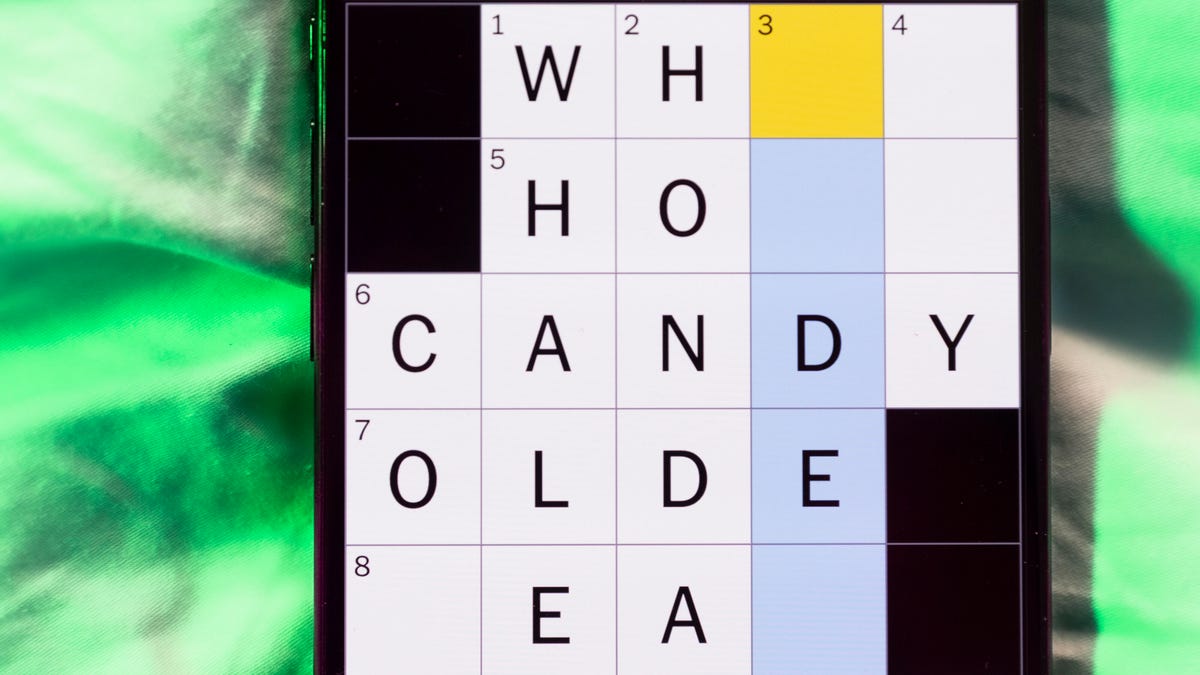
Looking for the most recent Mini Crossword answer? Click here for today’s Mini Crossword hints, as well as our daily answers and hints for The New York Times Wordle, Strands, Connections and Connections: Sports Edition puzzles.
Need some help with today’s Mini Crossword? Read on. And if you could use some hints and guidance for daily solving, check out our Mini Crossword tips.
If you’re looking for today’s Wordle, Connections, Connections: Sports Edition and Strands answers, you can visit CNET’s NYT puzzle hints page.
Read more: Tips and Tricks for Solving The New York Times Mini Crossword
Let’s get to those Mini Crossword clues and answers.
Mini across clues and answers
1A clue: Like some weather, memories and I.P.A.s
Answer: HAZY
5A clue: Statement that’s self-evidently true
Answer: AXIOM
7A clue: Civic automaker
Answer: HONDA
8A clue: What fear leads to, as Yoda told a young Anakin
Answer: ANGER
9A clue: Foxlike
Answer: SLY
Mini down clues and answers
1D clue: Verbal «lol»
Answer: HAHA
2D clue: Brain signal transmitter
Answer: AXON
3D clue: Hits with a witty comeback
Answer: ZINGS
4D clue: Sing at the top of a mountain, maybe
Answer: YODEL
6D clue: Name of the famous «Queen of Scots»
Answer: MARY
Technologies
Today’s NYT Strands Hints, Answers and Help for Oct. 23 #599
Here are hints and answers for the NYT Strands puzzle for Oct. 23, No. 599.
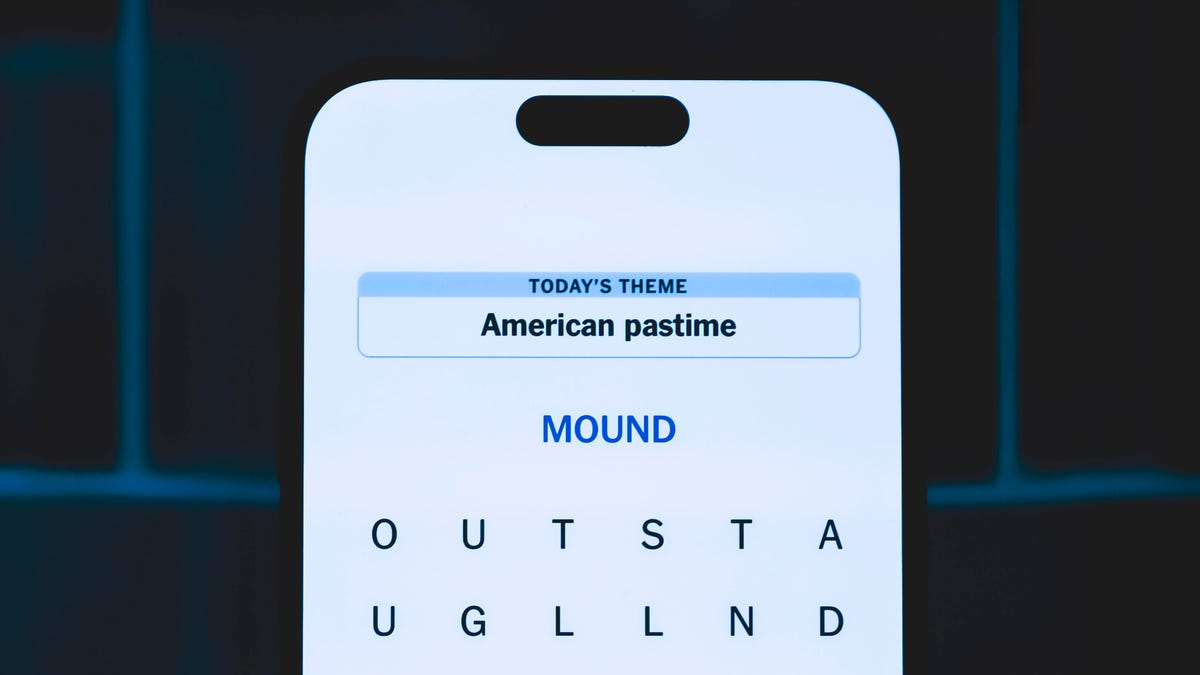
Looking for the most recent Strands answer? Click here for our daily Strands hints, as well as our daily answers and hints for The New York Times Mini Crossword, Wordle, Connections and Connections: Sports Edition puzzles.
Today’s NYT Strands puzzle might be Halloween-themed, as the answers are all rather dangerous. Some of them are a bit tough to unscramble, so if you need hints and answers, read on.
I go into depth about the rules for Strands in this story.
If you’re looking for today’s Wordle, Connections and Mini Crossword answers, you can visit CNET’s NYT puzzle hints page.
Read more: NYT Connections Turns 1: These Are the 5 Toughest Puzzles So Far
Hint for today’s Strands puzzle
Today’s Strands theme is: Please don’t eat me!
If that doesn’t help you, here’s a clue: Remember Mr. Yuk?
Clue words to unlock in-game hints
Your goal is to find hidden words that fit the puzzle’s theme. If you’re stuck, find any words you can. Every time you find three words of four letters or more, Strands will reveal one of the theme words. These are the words I used to get those hints but any words of four or more letters that you find will work:
- POND, NOON, NODE, BALE, SOCK, LOVE, LOCK, MOCK, LEER, REEL, GLOVE, DAIS, LEAN, LEAD, REEL
Answers for today’s Strands puzzle
These are the answers that tie into the theme. The goal of the puzzle is to find them all, including the spangram, a theme word that reaches from one side of the puzzle to the other. When you have all of them (I originally thought there were always eight but learned that the number can vary), every letter on the board will be used. Here are the nonspangram answers:
- AZALEA, HEMLOCK, FOXGLOVE, OLEANDER, BELLADONNA
Today’s Strands spangram
Today’s Strands spangram is POISONOUS. To find it, look for the P that is the first letter on the far left of the top row, and wind down and across.
-
 Technologies3 года ago
Tech Companies Need to Be Held Accountable for Security, Experts Say
-
 Technologies3 года ago
Best Handheld Game Console in 2023
-
 Technologies3 года ago
Tighten Up Your VR Game With the Best Head Straps for Quest 2
-
 Technologies4 года ago
Verum, Wickr and Threema: next generation secured messengers
-
 Technologies4 года ago
Black Friday 2021: The best deals on TVs, headphones, kitchenware, and more
-
 Technologies4 года ago
Google to require vaccinations as Silicon Valley rethinks return-to-office policies
-
 Technologies4 года ago
Olivia Harlan Dekker for Verum Messenger
-
 Technologies4 года ago
iPhone 13 event: How to watch Apple’s big announcement tomorrow


