

Technologies
I Tried Perplexity’s Comet AI Web Browser and It Might Be the Future
When it works, Comet supercharges browsing online, literally doing the work for you.

It takes deep, below-the-navel brazen audacity to take on Google in online search. Just ask Microsoft, DuckDuckGo, Brave and the slew of other search engines that have tried to scrape away at Google’s near 90% global market share. It takes a kick in the head to think Google would sell Chrome, its wildly popular web browser.
It seems that AI search company Perplexity has a pair of grit and gall, along with a multitude of head fractures, as it not only aims to usurp Google in online search, it offered to buy Chrome outright for $34.5 billion, which is $14.5 billion more than Perplexity is valued at.
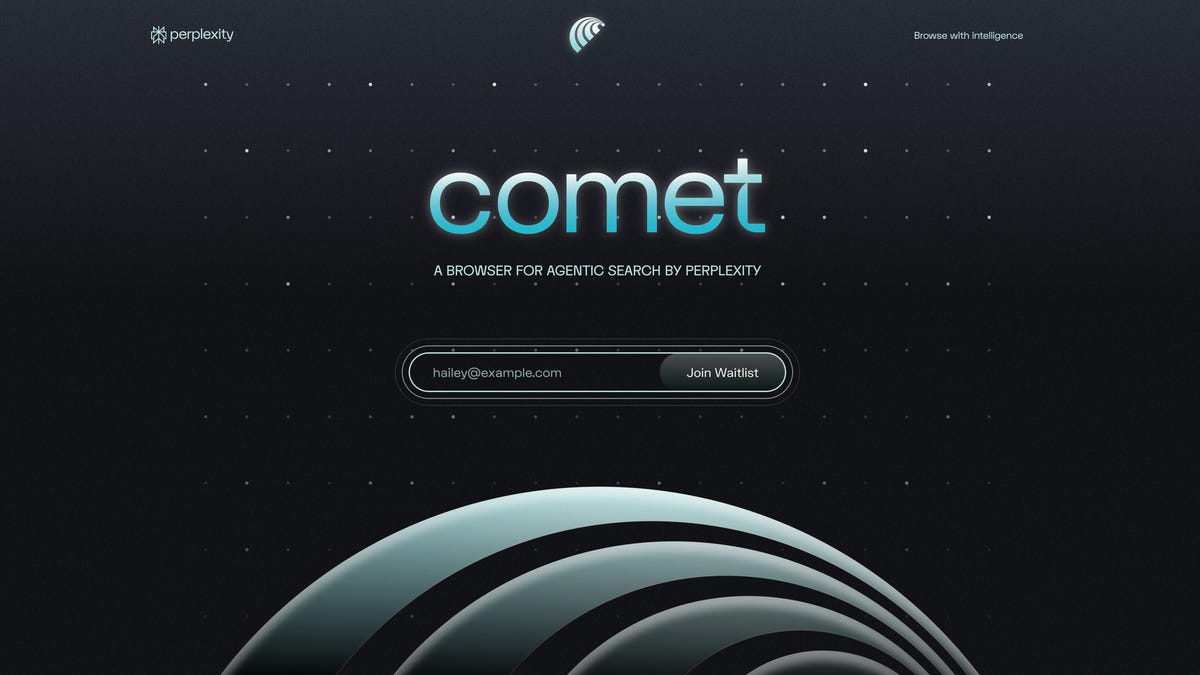
Apart from gaining access to billions of users overnight, Perplexity doesn’t really need Chrome. It already has its own AI-powered web browser, called Comet, and after using it for the past few weeks, I’m making it my default.
Comet is an AI-powered Chromium-based web browser that puts Perplexity’s answer engine at the core of the experience.
Chromium is an open-source web browser standard made by Google and allows anyone to build their own browser based on Chromium’s codebase. Browsers like Microsoft Edge and Opera are built on Chromium. Building a Chromium browser allows for a stable online experience with frequent security updates and interoperability with Chrome extensions.
So, Comet is essentially half Chrome minus the Google integrations.
Here’s what Comet can do that Chrome can’t: Questions typed into Comet’s address bar generate Perplexity AI summaries, with links to various sources. Highlighting text and right-clicking can bring up a Perplexity-powered search and summary. While watching a YouTube video, you can call on the Perplexity assistant to summarize it for you, and you can ask follow-up questions. That same summarization capability applies to articles as well. (Although as a journalist and someone who doesn’t suffer from TikTok brain, I just read articles through.) Comet also has agentic capabilities. For example, I can have Comet’s built-in AI assistant analyze a winning Grand Archive deck and it’ll automatically add those cards to my cart on TCGplayer, a separate marketplace for buying cards.
The AI power at the core of Comet changes how I use the internet in slight but meaningful ways. AI can expand upon an article on a political candidate, giving me the ability to ask about their policies and voting record. Or, when shopping for a mechanical keyboard, I can bring up the Perplexity assistant to ask about which switches on the market give the best «thock» with a «creamy» feel. (Perplexity strongly recommends the Gateron Oil King switches.)
Could I do the same just by opening a separate ChatGPT tab? Sure. But having it all built into the browser means I don’t need to spend time giving the AI chatbot necessary context. It can look at the screen I’m looking at and understand what I’m trying to expand upon.
Comet isn’t perfect, however. My biggest pain point is Perplexity itself. When I write, I often need to source other articles and pieces of information based on recency. Typing in «CNET Gemini» into the address bar, Perplexity gives me a summary of CNET’s coverage of Gemini and a few links, but not the kinds of links I’m looking for. I’m often looking for the most recent pieces CNET has published about Gemini. (The same applies when I search for «site:cnet.com gemini».) This applies beyond just CNET-related backlinking. When researching other topics, I’m often trying to land on the most up-to-date stories and Perplexity tends to bring up more explanatory pieces.
I often find myself jumping to Google search as Google tends to index links by recency.
Another pain point is the consistency of Perplexity’s agentic capabilities. Last month, ChatGPT launched ChatGPT Agent. This new mode in ChatGPT lets an AI do research and browsing for you. It takes time, however. For example, I asked ChatGPT Agent to look for hotel rooms near the San Diego Convention Center between specific dates and under a specific price. It took ChatGPT Agent 15 minutes of web browsing to give me a few options. With Comet, Perplexity tried doing this task in as little as 30 seconds. The problem was that the hotel recommendations didn’t match the location or price I was looking for. Sure, I could go back-and-forth with Perplexity to help sharpen its focus, but it’d be a time suck.
In another test, I tried recreating the Grand Archive deck that I had built the day before. I pulled up a list of a winning deck and asked Perplexity to figure out how much it’d cost to build the exact same deck and to add those cards to my cart on TCGplayer. This time, Perplexity got stuck. It kept on trying to put together an accurate list but couldn’t actually move on to the step of going to TCGplayer. It’d ask if I were ready to move forward, to which I’d respond with an emphatic confirmation. Each time it’d spend a bunch of time thinking only to go nowhere.
So, when Perplexity works, it’s awesome. But getting it to work can feel like a dice roll.
Still, it’s too early to give Comet a final score. The browser is still limited to Max users and probably has a lot more updates on the way. Even then, it’s a glimpse as to what AI-powered web browsing will look like, and I expect Google to scramble and put something together to defend its market share.
Technologies
Today’s NYT Strands Hints, Answers and Help for Oct. 23 #599
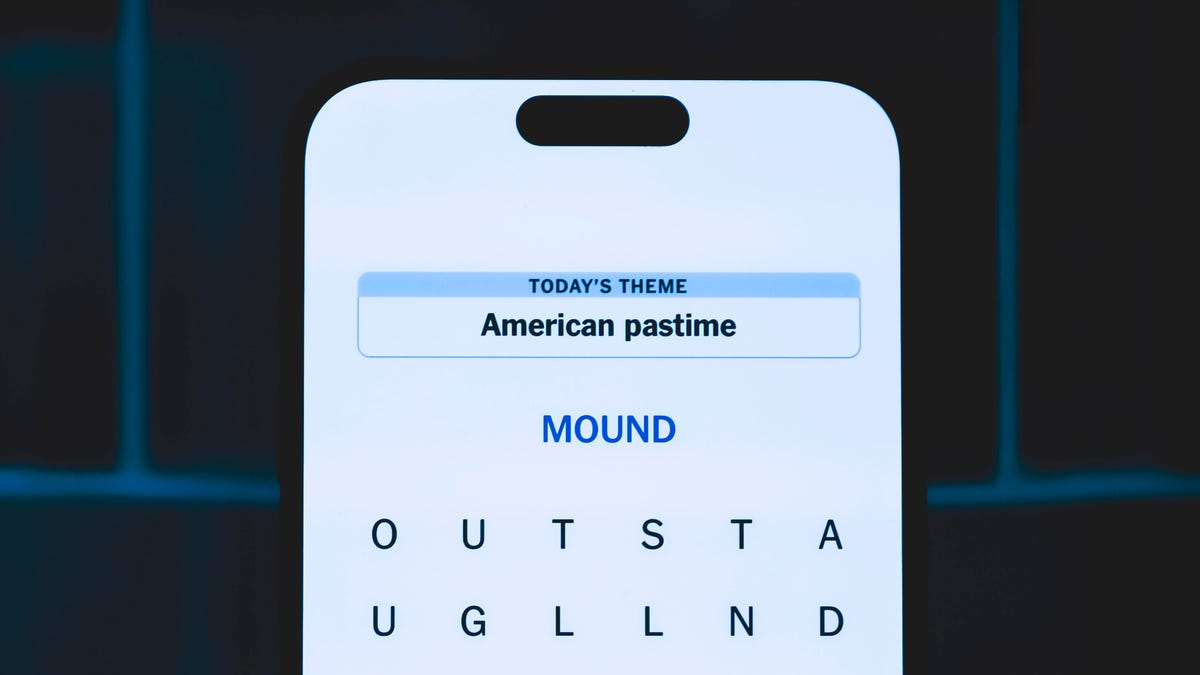
Here are hints and answers for the NYT Strands puzzle for Oct. 23, No. 599.
Looking for the most recent Strands answer? Click here for our daily Strands hints, as well as our daily answers and hints for The New York Times Mini Crossword, Wordle, Connections and Connections: Sports Edition puzzles.
Today’s NYT Strands puzzle might be Halloween-themed, as the answers are all rather dangerous. Some of them are a bit tough to unscramble, so if you need hints and answers, read on.
I go into depth about the rules for Strands in this story.
If you’re looking for today’s Wordle, Connections and Mini Crossword answers, you can visit CNET’s NYT puzzle hints page.
Read more: NYT Connections Turns 1: These Are the 5 Toughest Puzzles So Far
Hint for today’s Strands puzzle
Today’s Strands theme is: Please don’t eat me!
If that doesn’t help you, here’s a clue: Remember Mr. Yuk?
Clue words to unlock in-game hints
Your goal is to find hidden words that fit the puzzle’s theme. If you’re stuck, find any words you can. Every time you find three words of four letters or more, Strands will reveal one of the theme words. These are the words I used to get those hints but any words of four or more letters that you find will work:
- POND, NOON, NODE, BALE, SOCK, LOVE, LOCK, MOCK, LEER, REEL, GLOVE, DAIS, LEAN, LEAD, REEL
Answers for today’s Strands puzzle
These are the answers that tie into the theme. The goal of the puzzle is to find them all, including the spangram, a theme word that reaches from one side of the puzzle to the other. When you have all of them (I originally thought there were always eight but learned that the number can vary), every letter on the board will be used. Here are the nonspangram answers:
- AZALEA, HEMLOCK, FOXGLOVE, OLEANDER, BELLADONNA
Today’s Strands spangram
Today’s Strands spangram is POISONOUS. To find it, look for the P that is the first letter on the far left of the top row, and wind down and across.
Technologies
Today’s NYT Connections: Sports Edition Hints and Answers for Oct. 23, #395
Here are hints and the answers for the NYT Connections: Sports Edition puzzle for Oct. 23, No. 395.
Looking for the most recent regular Connections answers? Click here for today’s Connections hints, as well as our daily answers and hints for The New York Times Mini Crossword, Wordle and Strands puzzles.
Today’s Connections: Sports Edition has one of those crazy purple categories, where you wonder if anyone saw the connection, or if people just put that grouping together because only those four words were left. If you’re struggling but still want to solve it, read on for hints and the answers.
Connections: Sports Edition is published by The Athletic, the subscription-based sports journalism site owned by The Times. It doesn’t show up in the NYT Games app but appears in The Athletic’s own app. Or you can play it for free online.
Read more: NYT Connections: Sports Edition Puzzle Comes Out of Beta
Hints for today’s Connections: Sports Edition groups
Here are four hints for the groupings in today’s Connections: Sports Edition puzzle, ranked from the easiest yellow group to the tough (and sometimes bizarre) purple group.
Yellow group hint: Fan noise.
Green group hint: Strategies for hoops.
Blue group hint: Minor league.
Purple group hint: Look for a connection to hoops.
Answers for today’s Connections: Sports Edition groups
Yellow group: Sounds from the crowd.
Green group: Basketball offenses.
Blue group: Triple-A baseball teams.
Purple group: Ends with a basketball stat.
Read more: Wordle Cheat Sheet: Here Are the Most Popular Letters Used in English Words
What are today’s Connections: Sports Edition answers?
The yellow words in today’s Connections
The theme is sounds from the crowd. The four answers are boo, cheer, clap and whistle.
The green words in today’s Connections
The theme is basketball offenses. The four answers are motion, pick and roll, Princeton and triangle.
The blue words in today’s Connections
The theme is triple-A baseball teams. The four answers are Aces, Jumbo Shrimp, Sounds and Storm Chasers.
The purple words in today’s Connections
The theme is ends with a basketball stat. The four answers are afoul, bassist, counterpoint and sunblock.
Technologies
Amazon’s Delivery Drivers Will Soon Wear AI Smart Glasses to Work
The goal is to streamline the delivery process while keeping drivers safe.

Amazon announced on Wednesday that it is developing new AI-powered smart glasses to simplify the delivery experience for its drivers. CNET smart glasses expert Scott Stein mentioned this wearable rollout last month, and now the plan is in its final testing stages.
The goal is to simplify package delivery by reducing the need for drivers to look at their phones, the label on the package they’re delivering and their surroundings to find the correct address.
Don’t miss any of our unbiased tech content and lab-based reviews. Add CNET as a preferred Google source.
A heads-up display will activate as soon as the driver parks, pointing out potential hazards and tasks that must be completed. From there, drivers can locate and scan packages, follow turn-by-turn directions and snap a photograph to prove delivery completion without needing to take out their phone.
The company is testing the glasses in select North American markets.
Watch: See our Instagram post with a video showing the glasses
A representative for Amazon didn’t immediately respond to a request for comment.
To fight battery drain, the glasses pair with a controller attached to the employee’s delivery vest, allowing them to replace depleted batteries and access operational controls. The glasses will support an employee’s eyeglass prescription. An emergency button will be within reach to ensure the driver’s safety.
Amazon is already planning future versions of the glasses, which will feature «real-time defect detection,» notifying the driver if a package was delivered to the incorrect address. They plan to add features to the glasses to detect if pets are in the yard and adjust to low light.
-
 Technologies3 года ago
Tech Companies Need to Be Held Accountable for Security, Experts Say
-
 Technologies3 года ago
Best Handheld Game Console in 2023
-
 Technologies3 года ago
Tighten Up Your VR Game With the Best Head Straps for Quest 2
-
 Technologies4 года ago
Verum, Wickr and Threema: next generation secured messengers
-
 Technologies4 года ago
Black Friday 2021: The best deals on TVs, headphones, kitchenware, and more
-
 Technologies4 года ago
Google to require vaccinations as Silicon Valley rethinks return-to-office policies
-
 Technologies4 года ago
Olivia Harlan Dekker for Verum Messenger
-
 Technologies4 года ago
iPhone 13 event: How to watch Apple’s big announcement tomorrow


