

Technologies
It’s OK if You Didn’t Preorder a Switch 2
Commentary: As good as the new console looks, it’s also fine to wait.

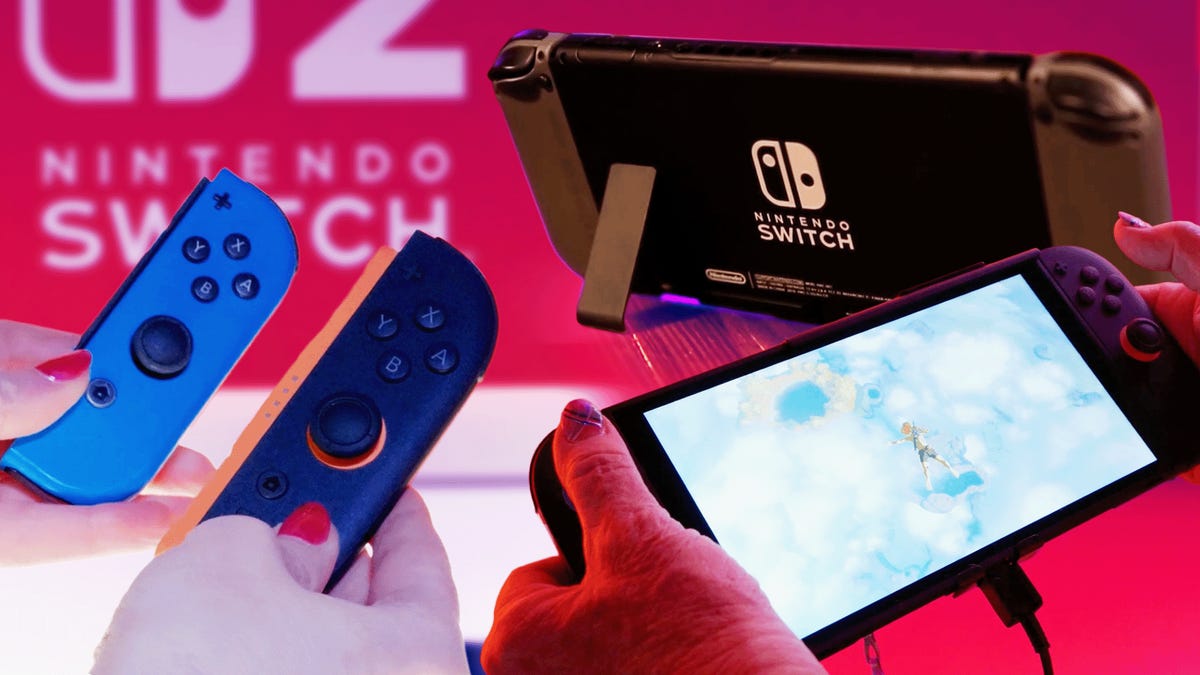
FOMO for new tech is hard. And new game consoles are exciting. I get it, and I’ve contributed to that coverage excitement too. The Nintendo Switch 2 finally became available to preorder in the US this week, and as expected, it looks sold out for now. That’ll change over time, but it’s unclear when, or how, and it’s equally unclear what the constant tariff fluctuations might do to future game console pricing.
That said, having played on the Switch 2 recently at an event, may I help ease your FOMO somewhat by saying you’re probably OK waiting on it?
I felt this way after my full-day Switch 2 experience, and I’ll reiterate it now: As good as the upgrades the Switch 2 has, and as fun as the new Mario Kart and Donkey Kong games seem to be — and the GameCube gaming library also seems like a blast of retro fun — the Switch 2 is very much an iterative upgrade for now. The very best games on the Switch 2, and its most unique exclusives, are likely still to come.
Nintendo has clearly designed the Switch 2, at least for the moment, to exist as a bridge to the current Switch, with many upcoming games intended to work on the original Switch too. Much more than the debut of the first Switch, the Switch 2 is designed to be a system you could wait to upgrade to. In that sense, it’s following the path of the current gen of Xbox Series X and S and PlayStation 5 consoles.
You can build up your Switch library now and be Switch 2-ready when you eventually upgrade
The Switch 2 plays all the Switch games, which wasn’t the case with the Switch and previous Wii U and 3DS hardware. That means you could skip the Switch 2 now if you needed to, play games on the Switch, and then move your library over whenever. Switch 2 versions of games cost more (ranging from $10 to $20 more), but you can just buy the Switch 2 game upgrades later for a similar price — or play the versions you’ve already got minus the enhanced graphics and game extras.
The Switch 2’s current upgrades are good, but not shockingly good
After playing several of the Switch 2 Edition versions of Switch games for a bit, I noticed better frame rates and graphics resolution, but I honestly didn’t find it to be that much different. I’d prefer playing the enhanced Switch 2 editions, but the experience reminded me a bit of the PS5 Pro versus PS5 versions of games when I first played on the console with Sony last year.
If you have a big TV, you’ll likely appreciate the difference. The bigger Switch 2 screen shows off games in higher-res 1080p with HDR, but you could play on the older Switch and be fine. I’m playing on a Switch OLED again, and after the Switch 2 experience, I don’t have massive I-wish-this-were-a-Switch-2-envy.
I’m sure this will change as games are developed to take better advantage of the amped-up Nvidia-powered Switch 2 GPU, and when more exclusives arrive. It’s similar to how I felt about the Meta Quest 3, which has better graphics than Quest 2 but didn’t feel like an absolute must-get until a year into its release.
You can still play upcoming Nintendo games on OG Switch
While Mario Kart World and Donkey Kong Bananza are Switch 2 exclusives, Metroid Prime 4 Beyond and Pokemon Legends Z-A also play on the Switch. It’s unclear how well these games will play on the Switch versus Switch 2, but you can get a good dose of New Nintendo this year on the older hardware and upgrade the hardware upgrade later. Think of it as a bit of a FOMO buffer.
Looking at Nintendo’s game history, the company often supported its previous consoles for a good couple of years after the new hardware’s release. I’d expect that after 2026 the Switch 2 will start to become the go-to platform for most big game, but I wouldn’t be surprised to see a handful of key Nintendo games still supporting original Switch for another year at least.
There’s no ‘whole new experience’ you’ll miss other than Game Chat, that camera and the mouse
The original Switch was an eye-opener because it was a portable, full game console that could dock with your TV and turn into a shareable console with modular controllers. It was different from anything Nintendo had made before. The Switch 2 is mostly the same proposition, just nicer.
You won’t feel the same regret for missing out on a whole new way to play this time, since it’s a continuation of the same idea. There are two new features you might envy: audio or video Game Chat among friends and the new Joy-Cons working like mice in some supported games. But Game Chat works only with other Switch 2 owners and needs a Switch Online subscription. The mouse functions are fun at times, but could also end up as just a gimmick. For now, the Switch 2 hasn’t pulled that many wild new functions out of its hat, but that could change, knowing Nintendo. There are also some fun camera-connected party game modes for Mario Party Jamboree if you happen to connect a camera, but no other games even have new camera-based features yet.
It’s fine to wait, but tariffs are still a question mark
I’m saying this well before I’ve had a chance to review the Switch 2, and for sure, it looks like the best Nintendo console in a long while and worth upgrading to. But take some comfort that missing out on getting one early this time isn’t quite as big a deal as it was in 2017, even if you’re feeling the pull of regret.
The only wild card remains the question of the effect tariffs will have on future console pricing. Will it fluctuate? I hope not, but the prices of Nintendo’s Switch 2 accessories have already gone up as a result of Trump’s chaotic tariff policies, and it’s unclear if that might happen again. The state of pricing and consumer electronics is still in an unknown zone, but in the meantime, you can still have a lot of fun on the Switch you already have, now and even in the near future.
Technologies
Does Charging Your Phone Overnight Damage the Battery? We Asked the Experts
Modern smartphones are protected against overcharging, but heat and use habits can still degrade your battery over time.
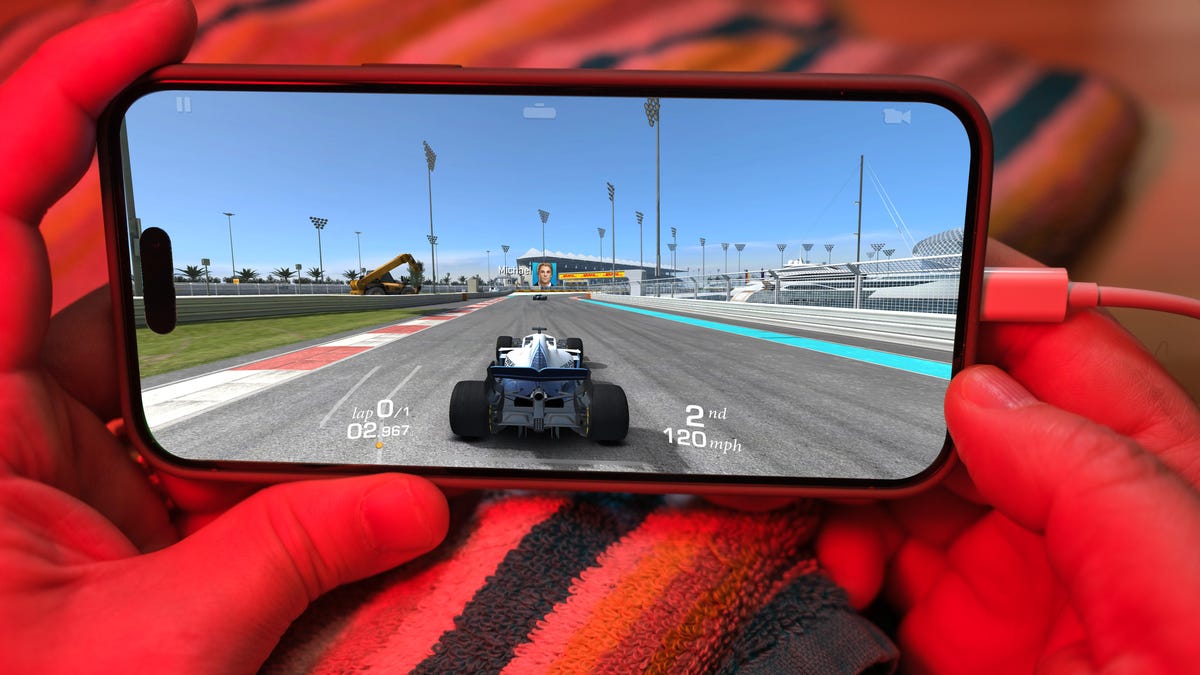
Plugging your phone in before you head to bed might seem like second nature. That way by the time your alarms go off in the morning, your phone has a full charge and is ready to help you conquer your day. However, over time, your battery will start to degrade. So is keeping your phone plugged in overnight doing damage to the battery?
The short answer is no. Keeping your phone plugged in all the time won’t ruin your battery. Modern smartphones are built with smart charging systems that cut off or taper power once they’re full, preventing the kind of «overcharging damage» that was common in older devices. So if you’re leaving your iPhone or Android on the charger overnight, you can relax.
That said, «won’t ruin your battery» doesn’t mean it has no effect. Batteries naturally degrade with age and use, and how you charge plays a role in how fast that happens. Keeping a phone perpetually at 100% can add extra stress on the battery, especially when paired with heat, which is the real enemy of longevity.
Understanding when this matters (and when it doesn’t) can help you make small changes to extend your phone’s lifespan.
Don’t miss any of our unbiased tech content and lab-based reviews. Add CNET as a preferred Google source.
The science behind battery wear
Battery health isn’t just about how many times you charge your phone. It’s about how it manages voltage, temperature and maintenance. Lithium-ion batteries age fastest when they’re exposed to extreme levels: 0% and 100%.
Keeping them near full charge for long stretches puts additional voltage stress on the cathode and electrolyte. That’s why many devices use «trickle charging» or temporarily pause at 100%, topping up only when needed.
Still, the biggest threat isn’t overcharging — it’s heat. When your phone is plugged in and running demanding apps, it produces heat that accelerates chemical wear inside the battery. If you’re gaming, streaming or charging on a hot day, that extra warmth does far more harm than leaving the cable plugged in overnight.
Apple’s take
Apple’s battery guide describes lithium-ion batteries as «consumable components» that naturally lose capacity over time. To slow that decline, iPhones use Optimized Battery Charging, which learns your daily routine and pauses charging at about 80% until just before you typically unplug, reducing time spent at high voltage.
Apple also advises keeping devices between 0 to 35 degrees Celsius (32 to 95 degrees Fahrenheit) and removing certain cases while charging to improve heat dissipation. You can read more on Apple’s official battery support page.
What Samsung (and other Android makers) do
Samsung offers a similar feature called Battery Protect, found in One UI’s battery and device care settings. When enabled, it caps charging at 85%, which helps reduce stress during long charging sessions.
Other Android makers like Google, OnePlus and Xiaomi include comparable options — often called Adaptive Charging, Optimized Charging or Battery Care — that dynamically slow power delivery or limit charge based on your habits. These systems make it safe to leave your phone plugged in for extended periods without fear of overcharging.
When constant charging can hurt
Even with these safeguards, some conditions can accelerate battery wear. As mentioned before, the most common culprit is high temperature. Even for a short period of time, leaving your phone charging in direct sunlight, in a car or under a pillow can push temperatures into unsafe zones.
Heavy use while charging, like gaming or 4K video editing, can also cause temperature spikes that degrade the battery faster. And cheap, uncertified cables or adapters may deliver unstable current that stresses cells. If your battery is already several years old, it’s naturally more sensitive to this kind of strain.
How to charge smarter
You don’t need to overhaul your habits but a few tweaks can help your battery age gracefully.
Start by turning on your phone’s built-in optimization tools: Optimized Battery Charging on iPhones, Battery Protect on Samsung devices and Adaptive Charging on Google Pixels. These systems learn your routine and adjust charging speed so your phone isn’t sitting at 100% all night.
Keep your phone cool while charging. According to Apple, phone batteries perform best between 62 and 72 degrees Fahrenheit (16 to 22 degrees Celsius). If your phone feels hot, remove its case or move it to a better-ventilated or shaded spot. Avoid tossing it under a pillow or too close to other electronics, like your laptop, and skip wireless chargers that trap heat overnight.
Use quality chargers and cables from your phone’s manufacturer or trusted brands. Those cheap «fast-charge» kits you find online often deliver inconsistent current, which can cause long-term issues.
Finally, don’t obsess over topping off. It’s perfectly fine to plug in your phone during the day for short bursts. Lithium-ion batteries actually prefer frequent, shallow charges rather than deep, full cycles. You don’t need to keep it between 20% and 80% all the time, but just avoid extremes when possible.
The bottom line
Keeping your phone plugged in overnight or on your desk all day won’t destroy its battery. That’s a leftover myth from a different era of tech. Modern phones are smart enough to protect themselves, and features like Optimized Battery Charging or Battery Protect do most of the heavy lifting for you.
Still, no battery lasts forever. The best way to slow the inevitable is to manage heat, use quality chargers and let your phone’s software do its job. Think of it less as «babying» your battery and more as charging with intention. A few mindful habits today can keep your phone running strong for years.
Technologies
Facebook Brings Back Local Job Listings: How to Apply
One of Facebook’s most practical features from 2022 is being revived by Meta.
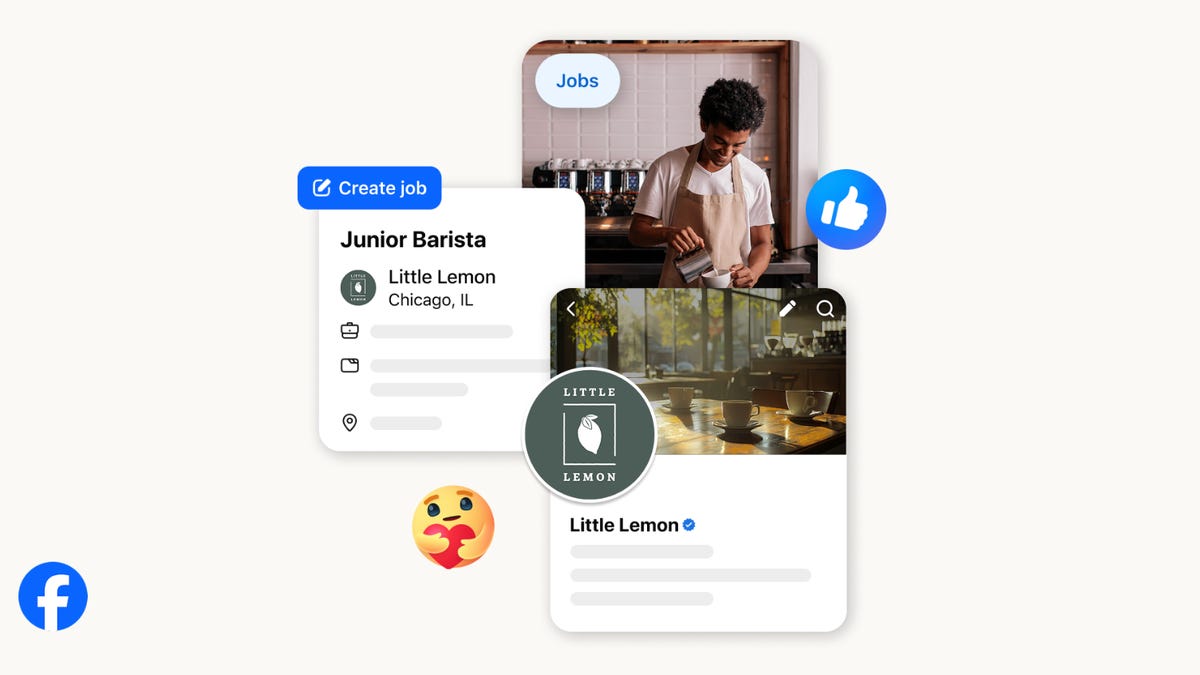
On the hunt for work? A Local Jobs search is being rolled out by Meta to make it easier for people in the US to discover and apply for nearby work directly on Facebook. The feature is inside Facebook Marketplace, Groups and Pages, Meta said last week, letting employers post openings and job seekers filter roles by distance, category or employment type.
You can apply or message employers directly through Facebook Messenger, while employers can publish job listings with just a few taps — similar to how you would post items for sale on Marketplace.
Don’t miss any of our unbiased tech content and lab-based reviews. Add CNET as a preferred Google source.
Facebook offered a Jobs feature before discontinuing it in 2022, pushing business hiring toward its other platforms. Its return suggests Meta is attempting to expand Facebook’s usefulness beyond social networking and to position it once again as a hub for community-driven opportunities.
Read more: Meta’s All In on AI Creating the Ads You See on Instagram, Facebook and WhatsApp
«We’ve always been about connecting with people, whether through shared interests or key life events,» the press release states. «Now, if you’re looking for entry-level, trade and service industry employment in your community, Facebook can help you connect with local people and small businesses who are hiring.»
Read more: What Is Meta AI? Everything to Know About These AI Tools
How to get started with Local Jobs on Facebook
According to Meta, Local Jobs will appear as a dedicated section in Facebook Marketplace starting this week. If you’re 18 or older, you can:
- Tap the Marketplace tab on the Facebook app or website.
- Select Jobs to browse available positions nearby.
- Use filters for job type, category and distance.
- Tap Apply or message the employer directly via Messenger.
Businesses and page admins can post jobs by creating a new listing in Marketplace or from their Facebook Page. Listings can include job details, pay range, and scheduling information and will appear in local searches automatically.
The Local Jobs feature is rolling out across the US now, with Meta saying it plans to expand it in the months ahead.
Technologies
Tesla Has a New Range of Affordable Electric Cars: How Much They Cost
The new, stripped-back versions of the Model Y and Model 3 have a more affordable starting price.

-
 Technologies3 года ago
Tech Companies Need to Be Held Accountable for Security, Experts Say
-
 Technologies3 года ago
Best Handheld Game Console in 2023
-
 Technologies3 года ago
Tighten Up Your VR Game With the Best Head Straps for Quest 2
-
 Technologies4 года ago
Verum, Wickr and Threema: next generation secured messengers
-
 Technologies4 года ago
Black Friday 2021: The best deals on TVs, headphones, kitchenware, and more
-
 Technologies4 года ago
Google to require vaccinations as Silicon Valley rethinks return-to-office policies
-
 Technologies4 года ago
Olivia Harlan Dekker for Verum Messenger
-
 Technologies4 года ago
iPhone 13 event: How to watch Apple’s big announcement tomorrow


