

Technologies
Traveling Internationally? Why You Might Consider a Burner Phone When Entering the US
What’s a burner? Here’s how they work and how to get one.

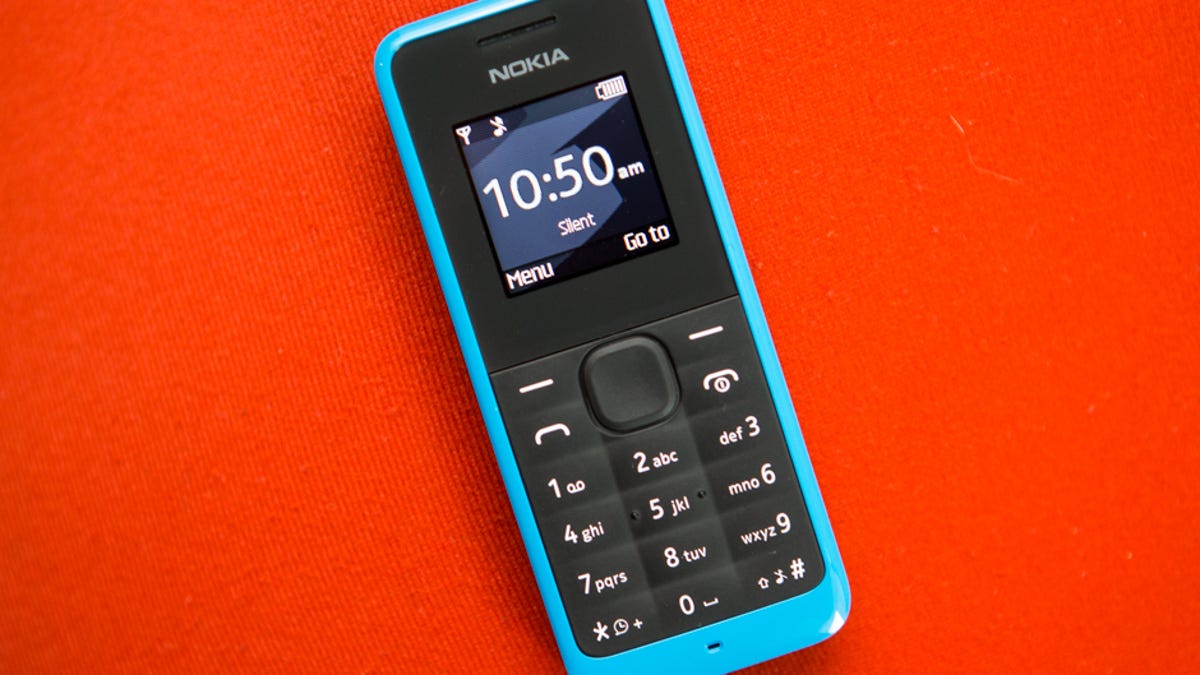
You may have heard the term «burner phone» and didn’t think you’d ever need one because (a) you’re not involved in crime or espionage or (b) engrossed in watching TV shows that involve both. However, if you’re traveling out of the US and coming back in, you might want to be carrying a phone that doesn’t include all your personal correspondence.
That’s due to increasing reports that agents of US Customs and Border Patrol are scanning mobile devices and, according to some reports, turning people away or confiscating phones based on free-speech opinions they discover. In one case, a French scientist entering the US for a conference was reportedly detained and denied entry after messages critical of the Trump administration were found on his phone. It’s unclear how widespread these phone searches are or if people are being stopped for other reasons.
Although carriers have offered prepaid phones since the ’90s, the term burner phones or «burners» essentially became popular in the 2000s due to its use in the celebrated HBO series The Wire, in which characters used burner phones to avoid getting caught by the police. Although often portrayed as such, burners are not only meant to be used by criminals. With privacy concerns rising, you might consider using a burner phone yourself.
So, what exactly is a burner phone, and how does it work? Below, we explain everything you need to know about burners and how to get one.
What is a burner phone?
Simply put, a burner phone is a cheap prepaid phone with no commitments. It comes with a set number of prepaid call minutes, text messages, or data and is designed to be disposed of after use.
Burners are contract-free, and you can grab them off the counter. They’re called burner phones because you can «burn» them, i.e., trash them after use, and the phone cannot be traced back to you, which makes them appealing to criminals. Burner phones are typically used when you need a phone quickly, without intentions of long-term usage.
Burners are different from getting a regular, contract-bound cellphone plans that require a lot of your information to be on file.
Why should you use a burner phone?
Burner phones are an easy way to avoid pesky cellphone contracts or spam you may be getting on your primary phone number. Burners are not linked to your identity, so you can avoid getting tracked down or contacted if that’s what you need.
However, you don’t have to dispose of it after use — you can just add more minutes and continue using it. Burner phones can still function as regular phones, minus the hassle of getting a phone with a contract.
You can also get a burner phone as a secondary phone for a specific purpose, like having a spare phone number for two-factor authentication texts, for business purposes or to avoid roaming charges while traveling. You can get a burner phone for any privacy reasons you may have.
Read more: The Data Privacy Tips Digital Security Experts Wish You Knew
Burner phones, prepaid phones, smartphones and burner SIMs: What’s the difference?
Burner phones are typically cheap feature phones and usually don’t come with the bells and whistles of a smartphone. Since these are designed to be cheap and disposable, you only get the essentials and very simple designs. The flip phone is a common sight in the burner phone market.
All burner phones are prepaid phones, but not all prepaid phones are burners. What sets a burner apart is that you will not have to give away any personal information to get one, and it won’t be traceable back to you. Also, it will be cheap enough to be trashed after use.
Read more: Best Prepaid Phone of 2025
Prepaid smartphones are generally low-end models to begin with, and burners are the cheapest prepaid phones you can get. However, you can use any unlocked smartphone with prepaid SIM cards if you want to, essentially making it a prepaid phone.
If you want to get a burner, you don’t necessarily have to buy a new phone. You can get a burner SIM and use it with an existing phone as well. Burner SIMs are prepaid SIMs you can get without a contract or giving away personal information.
Where can you buy a burner phone?
Burner phones are available at all the major retail outlets. You can pick them up from Walmart, Target, Best Buy and other big retailers. They’re also often available at convenience stores like 7-Eleven and Rite Aid, local supermarkets, gas stations, and retail phone outlets like Cricket, Metro and others.
You can get a burner phone with cash; a typical burner should cost between $10 and $50. It may cost more if you get more minutes and data with the phone. If you’re getting a burner phone specifically to avoid having the phone traced back to you, it makes sense to pay with cash instead of a credit card.
If you just want a prepaid secondary phone, you can pay for one with a credit card. Credit cards will leave a paper trail that leads back to you, but that shouldn’t be an issue unless you really don’t want the burner phone linked back to you.
There are also many apps that let you get secondary phone numbers, including Google Fi and the Burner app. However, these cannot quite be called burners in the ideal sense, since these providers will typically have at least some of your personal information.
If you’re just looking to get a solid prepaid phone without anonymity, you can check out our full guide for the best prepaid phone plans available currently. We also have a guide for the best cheap phone plans you can get.
Technologies
Does Charging Your Phone Overnight Damage the Battery? We Asked the Experts
Modern smartphones are protected against overcharging, but heat and use habits can still degrade your battery over time.
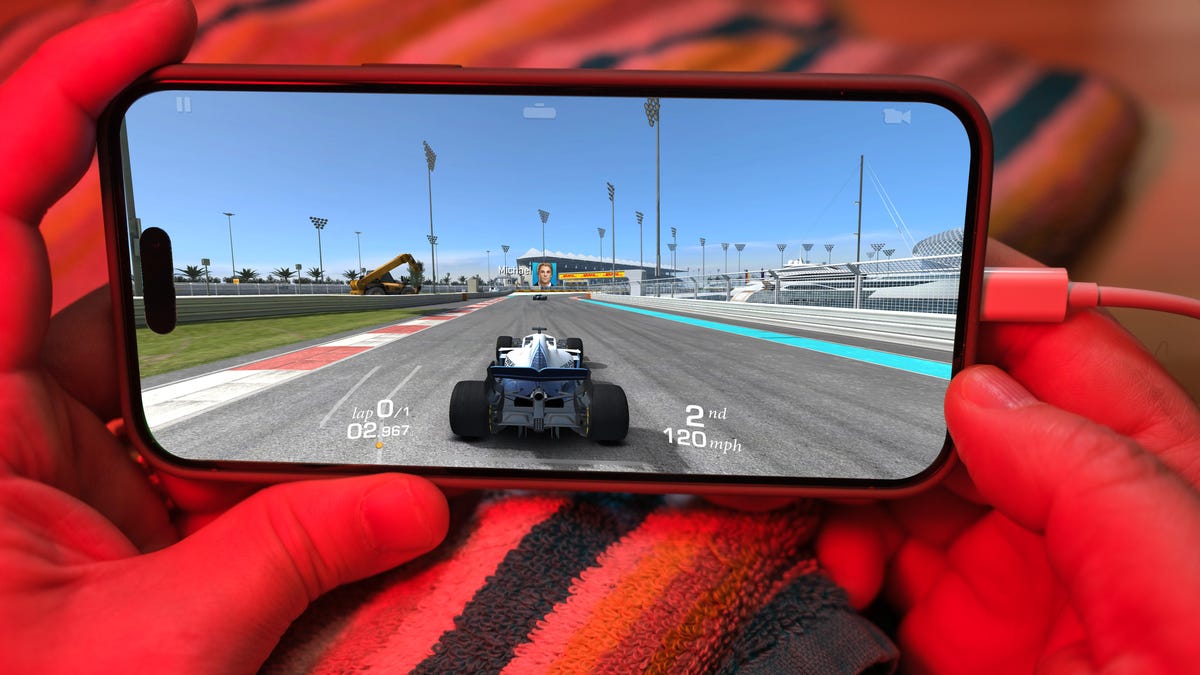
Plugging your phone in before you head to bed might seem like second nature. That way by the time your alarms go off in the morning, your phone has a full charge and is ready to help you conquer your day. However, over time, your battery will start to degrade. So is keeping your phone plugged in overnight doing damage to the battery?
The short answer is no. Keeping your phone plugged in all the time won’t ruin your battery. Modern smartphones are built with smart charging systems that cut off or taper power once they’re full, preventing the kind of «overcharging damage» that was common in older devices. So if you’re leaving your iPhone or Android on the charger overnight, you can relax.
That said, «won’t ruin your battery» doesn’t mean it has no effect. Batteries naturally degrade with age and use, and how you charge plays a role in how fast that happens. Keeping a phone perpetually at 100% can add extra stress on the battery, especially when paired with heat, which is the real enemy of longevity.
Understanding when this matters (and when it doesn’t) can help you make small changes to extend your phone’s lifespan.
Don’t miss any of our unbiased tech content and lab-based reviews. Add CNET as a preferred Google source.
The science behind battery wear
Battery health isn’t just about how many times you charge your phone. It’s about how it manages voltage, temperature and maintenance. Lithium-ion batteries age fastest when they’re exposed to extreme levels: 0% and 100%.
Keeping them near full charge for long stretches puts additional voltage stress on the cathode and electrolyte. That’s why many devices use «trickle charging» or temporarily pause at 100%, topping up only when needed.
Still, the biggest threat isn’t overcharging — it’s heat. When your phone is plugged in and running demanding apps, it produces heat that accelerates chemical wear inside the battery. If you’re gaming, streaming or charging on a hot day, that extra warmth does far more harm than leaving the cable plugged in overnight.
Apple’s take
Apple’s battery guide describes lithium-ion batteries as «consumable components» that naturally lose capacity over time. To slow that decline, iPhones use Optimized Battery Charging, which learns your daily routine and pauses charging at about 80% until just before you typically unplug, reducing time spent at high voltage.
Apple also advises keeping devices between 0 to 35 degrees Celsius (32 to 95 degrees Fahrenheit) and removing certain cases while charging to improve heat dissipation. You can read more on Apple’s official battery support page.
What Samsung (and other Android makers) do
Samsung offers a similar feature called Battery Protect, found in One UI’s battery and device care settings. When enabled, it caps charging at 85%, which helps reduce stress during long charging sessions.
Other Android makers like Google, OnePlus and Xiaomi include comparable options — often called Adaptive Charging, Optimized Charging or Battery Care — that dynamically slow power delivery or limit charge based on your habits. These systems make it safe to leave your phone plugged in for extended periods without fear of overcharging.
When constant charging can hurt
Even with these safeguards, some conditions can accelerate battery wear. As mentioned before, the most common culprit is high temperature. Even for a short period of time, leaving your phone charging in direct sunlight, in a car or under a pillow can push temperatures into unsafe zones.
Heavy use while charging, like gaming or 4K video editing, can also cause temperature spikes that degrade the battery faster. And cheap, uncertified cables or adapters may deliver unstable current that stresses cells. If your battery is already several years old, it’s naturally more sensitive to this kind of strain.
How to charge smarter
You don’t need to overhaul your habits but a few tweaks can help your battery age gracefully.
Start by turning on your phone’s built-in optimization tools: Optimized Battery Charging on iPhones, Battery Protect on Samsung devices and Adaptive Charging on Google Pixels. These systems learn your routine and adjust charging speed so your phone isn’t sitting at 100% all night.
Keep your phone cool while charging. According to Apple, phone batteries perform best between 62 and 72 degrees Fahrenheit (16 to 22 degrees Celsius). If your phone feels hot, remove its case or move it to a better-ventilated or shaded spot. Avoid tossing it under a pillow or too close to other electronics, like your laptop, and skip wireless chargers that trap heat overnight.
Use quality chargers and cables from your phone’s manufacturer or trusted brands. Those cheap «fast-charge» kits you find online often deliver inconsistent current, which can cause long-term issues.
Finally, don’t obsess over topping off. It’s perfectly fine to plug in your phone during the day for short bursts. Lithium-ion batteries actually prefer frequent, shallow charges rather than deep, full cycles. You don’t need to keep it between 20% and 80% all the time, but just avoid extremes when possible.
The bottom line
Keeping your phone plugged in overnight or on your desk all day won’t destroy its battery. That’s a leftover myth from a different era of tech. Modern phones are smart enough to protect themselves, and features like Optimized Battery Charging or Battery Protect do most of the heavy lifting for you.
Still, no battery lasts forever. The best way to slow the inevitable is to manage heat, use quality chargers and let your phone’s software do its job. Think of it less as «babying» your battery and more as charging with intention. A few mindful habits today can keep your phone running strong for years.
Technologies
Facebook Brings Back Local Job Listings: How to Apply
One of Facebook’s most practical features from 2022 is being revived by Meta.
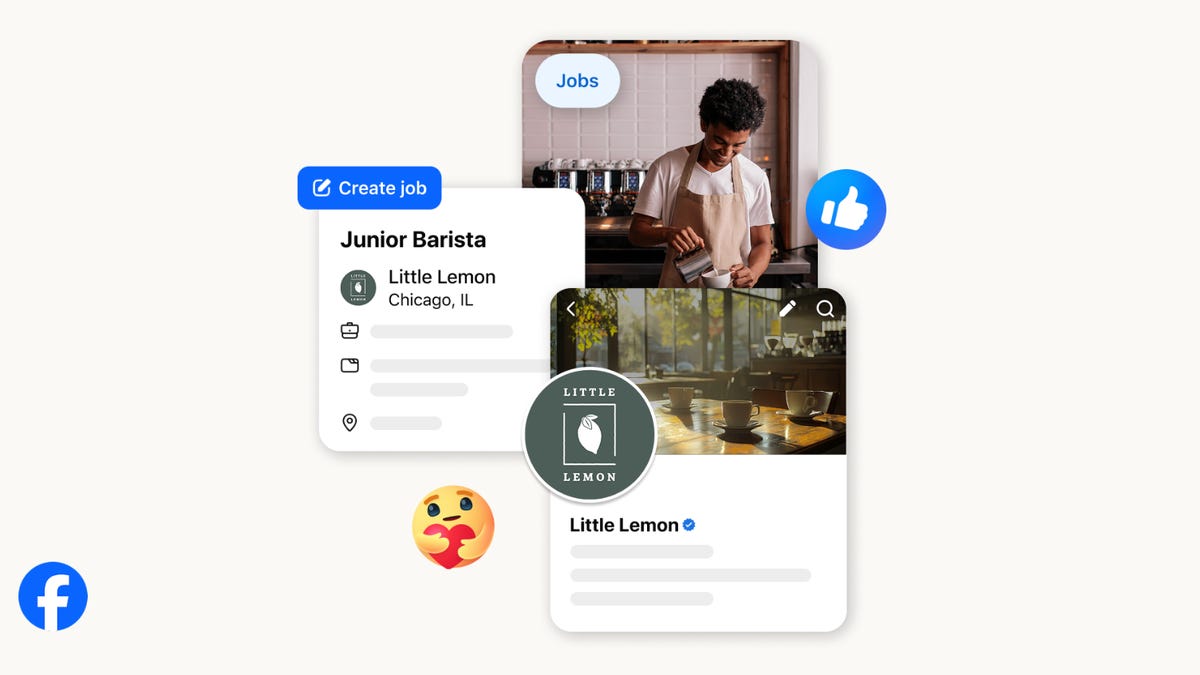
On the hunt for work? A Local Jobs search is being rolled out by Meta to make it easier for people in the US to discover and apply for nearby work directly on Facebook. The feature is inside Facebook Marketplace, Groups and Pages, Meta said last week, letting employers post openings and job seekers filter roles by distance, category or employment type.
You can apply or message employers directly through Facebook Messenger, while employers can publish job listings with just a few taps — similar to how you would post items for sale on Marketplace.
Don’t miss any of our unbiased tech content and lab-based reviews. Add CNET as a preferred Google source.
Facebook offered a Jobs feature before discontinuing it in 2022, pushing business hiring toward its other platforms. Its return suggests Meta is attempting to expand Facebook’s usefulness beyond social networking and to position it once again as a hub for community-driven opportunities.
Read more: Meta’s All In on AI Creating the Ads You See on Instagram, Facebook and WhatsApp
«We’ve always been about connecting with people, whether through shared interests or key life events,» the press release states. «Now, if you’re looking for entry-level, trade and service industry employment in your community, Facebook can help you connect with local people and small businesses who are hiring.»
Read more: What Is Meta AI? Everything to Know About These AI Tools
How to get started with Local Jobs on Facebook
According to Meta, Local Jobs will appear as a dedicated section in Facebook Marketplace starting this week. If you’re 18 or older, you can:
- Tap the Marketplace tab on the Facebook app or website.
- Select Jobs to browse available positions nearby.
- Use filters for job type, category and distance.
- Tap Apply or message the employer directly via Messenger.
Businesses and page admins can post jobs by creating a new listing in Marketplace or from their Facebook Page. Listings can include job details, pay range, and scheduling information and will appear in local searches automatically.
The Local Jobs feature is rolling out across the US now, with Meta saying it plans to expand it in the months ahead.
Technologies
Tesla Has a New Range of Affordable Electric Cars: How Much They Cost
The new, stripped-back versions of the Model Y and Model 3 have a more affordable starting price.

-
 Technologies3 года ago
Tech Companies Need to Be Held Accountable for Security, Experts Say
-
 Technologies3 года ago
Best Handheld Game Console in 2023
-
 Technologies3 года ago
Tighten Up Your VR Game With the Best Head Straps for Quest 2
-
 Technologies4 года ago
Verum, Wickr and Threema: next generation secured messengers
-
 Technologies4 года ago
Black Friday 2021: The best deals on TVs, headphones, kitchenware, and more
-
 Technologies4 года ago
Google to require vaccinations as Silicon Valley rethinks return-to-office policies
-
 Technologies4 года ago
Olivia Harlan Dekker for Verum Messenger
-
 Technologies4 года ago
iPhone 13 event: How to watch Apple’s big announcement tomorrow


