

Technologies
Can’t Choose Between Windows and MacOS? You Don’t Have To
Two operating systems — one computer.

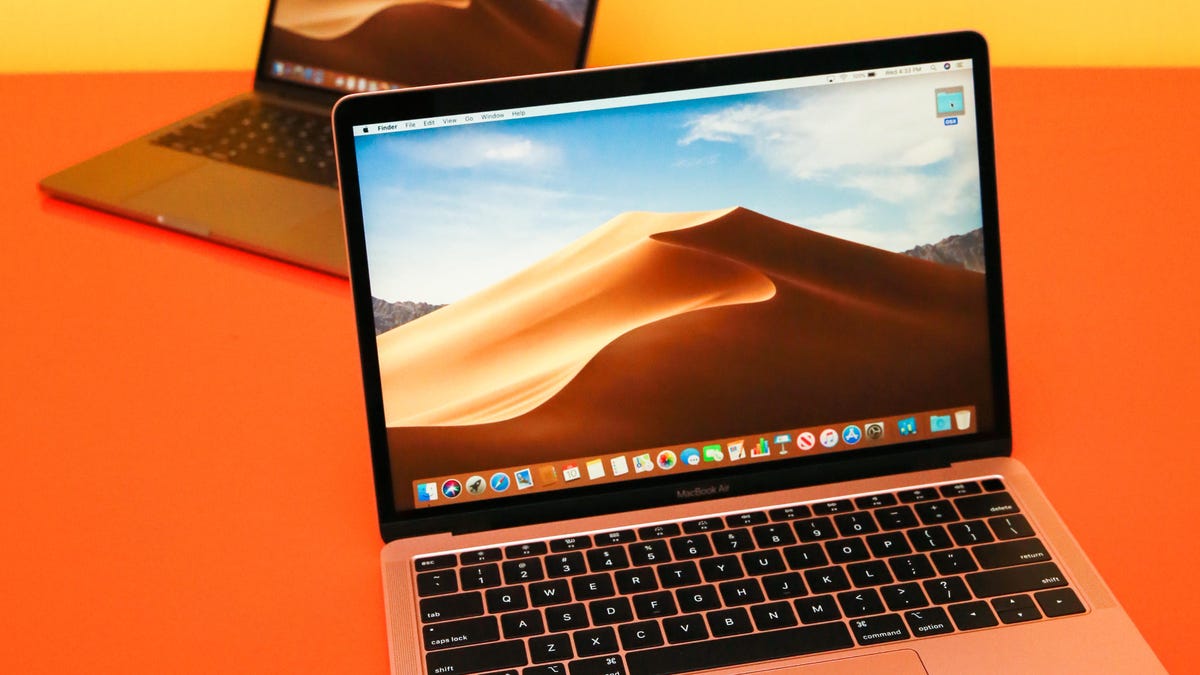
When you’re purchasing a new computer, you’ll most likely choose one of the two most popular operating systems out there: Windows or MacOS. And that can be a difficult decision to make because while you like the privacy features on one, you might really want the proprietary software from the other.
What if you didn’t have to choose?
As long as you have an Intel-based Mac with enough storage and the correct Windows 10 ISO file, you can run Windows on your Apple computer in less than an hour. From then on, anytime you boot up your Mac, you can choose to run either Windows 10 or the latest MacOS. Here’s how.
While you’re here, check out these 17 essential MacBook settings you need to try and 6 time-saving Mac keyboard shortcuts more people should use.
Here’s what you need before you start
To successfully run Windows 10 on your Mac computer, here’s what you need to have:
- An Intel-based Mac computer (if your computer is on this list, it’s not supported).
- 64GB or more free storage space on your startup disk.
- A power connection (if you’re on a laptop).
If you’re unsure whether your computer is Intel-based, click on the Apple logo on the menu bar, and then go into About This Mac. If you see the words Processor, followed by the name of an Intel processor, like «2.6GHz 6-Core Intel Core i7,» then you have an Intel-based Mac.
Before you start, though, it’s wise to back up your disk with Time Machine before partitioning just in case something goes wrong.
1. Download the Windows 10 ISO File
Windows 11 isn’t currently compatible with Boot Camp Assistant on MacOS. So, you’ll need to download Windows 10 instead. You can download a free disc image, also known as an ISO file, of Windows 10 from the official Windows website.
1. On your Mac, go to this Windows software download page.
2. Click on Select Edition, and choose Windows 10 (multi-edition ISO).
3. Hit Confirm, and wait for your request to be verified.
4. Once that finishes, choose your language and click on Confirm.
5. Finally, click on 64-bit Download to download the Windows 10 ISO file.
The Windows 10 ISO file is nearly 6GB, so depending on your internet connection and speed, it could take up to 30 minutes to finish downloading. After the ISO file is done, leave it in your downloads, and move on to the next step.
2. Run Boot Camp Assistant
The software you’ll use to run Windows 10 on your Mac is Boot Camp Assistant, which comes factory-installed on your Mac. Boot Camp Assistant is made specifically for installing Windows operating systems on your computer, and fortunately the setup process is pretty straightforward.
1. Launch Boot Camp Assistant on your Mac, and click Continue.
2. Click on Choose a Windows 10 ISO file, and upload the Windows 10 ISO file you downloaded in the previous step.
3. Drag the bar to choose a size for your Windows partition disk (42GB is the minimum).
4. Click Install, and wait roughly 10 minutes for the partition to be created.
Once the Windows partition is finished, your laptop will restart.
3. Install Windows on your Mac
Your computer will boot up, but instead of showing you the Apple logo you’re accustomed to, you should instead see the blue Windows logo appear. Here’s what you need to do next:
1. Go through the Windows setup.
2. Enter a product key if you have one. If not, you can continue without one.
Even without a product key, you’ll be able to access Windows on your Mac, so don’t worry. During the installation, you’ll see window files copied, features and updates installed and more. This should take another 10 minutes.
4. Set up Windows on a Mac
Your Mac will restart. But this time you’ll be asked to set up Windows, just as you would on a Windows computer. You can use Cortana and your voice to complete the setup, but you’re also welcome to use your keyboard, mouse and trackpad.
1. Choose your language, keyboard layout, Wi-Fi and more to begin.
2. If you have a Windows account, log in with your credentials.
3. Windows will boot up on your Mac. You’ll be asked to create a passcode and/or PIN to enter your computer. Do that to protect your account.
5. Install Boot Camp on Windows
Finally, the last thing you’ll need to do is install and update Boot Camp on Windows. That will let you make any additional changes to your partition or fix any issues while you’re running Windows. When you access Windows for the first time, you should receive a notification to install Boot Camp. This will take 10 minutes to install, but it’s the last thing you need to do before you can use Windows without any issues.
6. Use Windows on your Mac
Feel free to use Windows how you want. Windows 10’s default web browser is Microsoft Edge, but you can use it to download Chrome or anything else to surf the internet. You can then download files and install software you would only be able to install on a Windows-powered computer — like Paint.NET and certain games from Steam — but on your Mac.
7. Switch Between Windows and Mac
If you ever want to go back to MacOS from Windows, do the following:
1. Restart your computer.
2. As soon as the screen goes black, hold down the Option key for 5 seconds.
3. On the screen, you’ll then have the option to boot up MacOS or Windows.
4. Choose the partition you want to open.
Use this keyboard shortcut to switch between your disks as needed.
Technologies
Today’s NYT Connections: Sports Edition Hints and Answers for Nov. 10, #413
Here are hints and the answers for the NYT Connections: Sports Edition puzzle for Nov. 10, No. 413.

Looking for the most recent regular Connections answers? Click here for today’s Connections hints, as well as our daily answers and hints for The New York Times Mini Crossword, Wordle and Strands puzzles.
Today’s Connections: Sports Edition is a super tough one. Remember, sometimes names are regular nouns, and vice versa. If you’re struggling but still want to solve today’s puzzle, read on for hints and the answers.
Connections: Sports Edition is published by The Athletic, the subscription-based sports journalism site owned by the Times. It doesn’t show up in the NYT Games app but appears in The Athletic’s own app. Or you can play it for free online.
Read more: NYT Connections: Sports Edition Puzzle Comes Out of Beta
Hints for today’s Connections: Sports Edition groups
Here are four hints for the groupings in today’s Connections: Sports Edition puzzle, ranked from the easiest yellow group to the tough (and sometimes bizarre) purple group.
Yellow group hint: Merrily we roll along.
Green group hint: Sharp!
Blue group hint: Merci!
Purple group hint: Drop the puck.
Answers for today’s Connections: Sports Edition groups
Yellow group: Things with wheels.
Green group: Things with blades.
Blue group: French Olympic hosts.
Purple group: NHL head coaches.
Read more: Wordle Cheat Sheet: Here Are the Most Popular Letters Used in English Words
What are today’s Connections: Sports Edition answers?
The yellow words in today’s Connections
The theme is things with wheels. The four answers are bicycle, golf cart, skateboard and Zamboni.
The green words in today’s Connections
The theme is things with blades. The four answers are epee, hockey stick, ice skate and sabre.
The blue words in today’s Connections
The theme is French Olympic hosts. The four answers are Albertville, Chamonix, Grenoble and Paris.
The purple words in today’s Connections
The theme is NHL head coaches. The four answers are Brind’Amour, Maurice, Ruff and St. Louis.
Technologies
Today’s NYT Mini Crossword Answers for Monday, Nov. 10
Here are the answers for The New York Times Mini Crossword for Nov. 10.
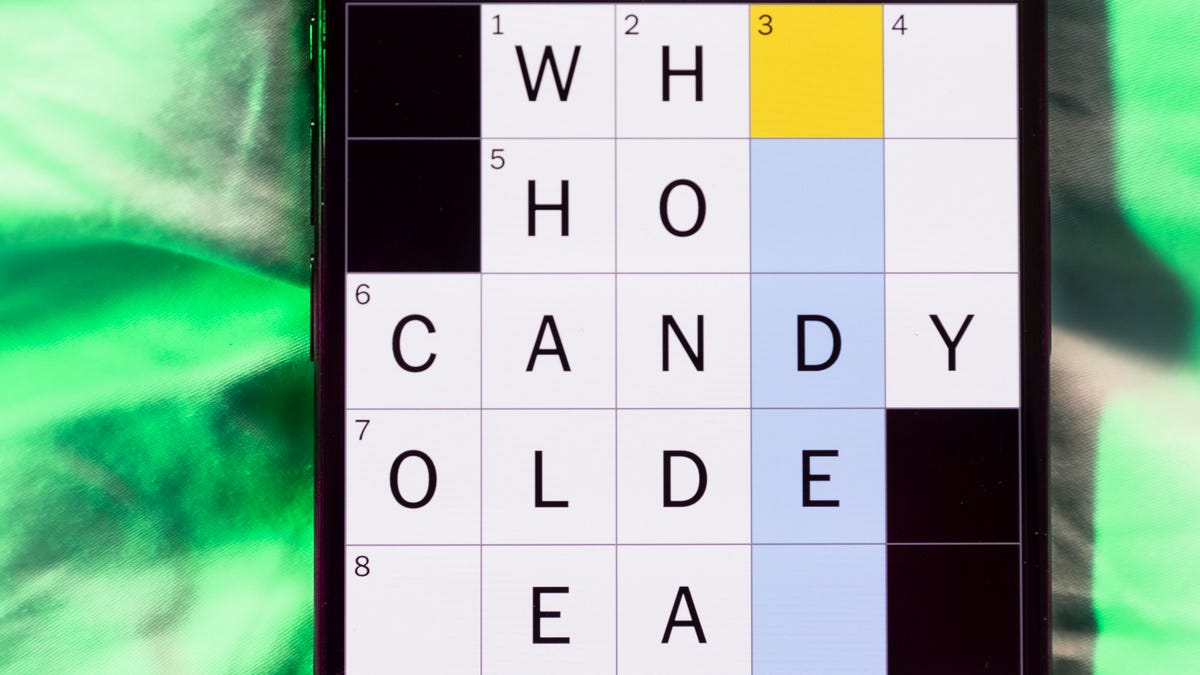
Looking for the most recent Mini Crossword answer? Click here for today’s Mini Crossword hints, as well as our daily answers and hints for The New York Times Wordle, Strands, Connections and Connections: Sports Edition puzzles.
Need some help with today’s Mini Crossword? There’s a tasty dessert hidden in the circled letters. Read on for the answers. And if you could use some hints and guidance for daily solving, check out our Mini Crossword tips.
If you’re looking for today’s Wordle, Connections, Connections: Sports Edition and Strands answers, you can visit CNET’s NYT puzzle hints page.
Read more: Tips and Tricks for Solving The New York Times Mini Crossword
Let’s get to those Mini Crossword clues and answers.
Mini across clues and answers
1A clue: Go on a run in the freezing cold?
Answer: SKI
4A clue: Full of oneself
Answer: VAIN
5A clue: abisco wafer brand
Answer: NILLA
6A clue: Powerhouse in women’s college basketball, with a record 12 national championships
Answer: UCONN
7A clue: On edge
Answer: TENSE
Mini down clues and answers
1D clue: Beauty parlor
Answer: SALON
2D clue: Ceramicist’s ovens
Answer: KILNS
3D clue: Ridiculous
Answer: INANE
4D clue: Bad habit
Answer: VICE
5D clue: A cashew … or a cuckoo
Answer: NUT
Technologies
Today’s NYT Strands Hints, Answers and Help for Nov. 10, #617
Here are hints and answers for the NYT Strands puzzle for Nov. 10, No. 617.
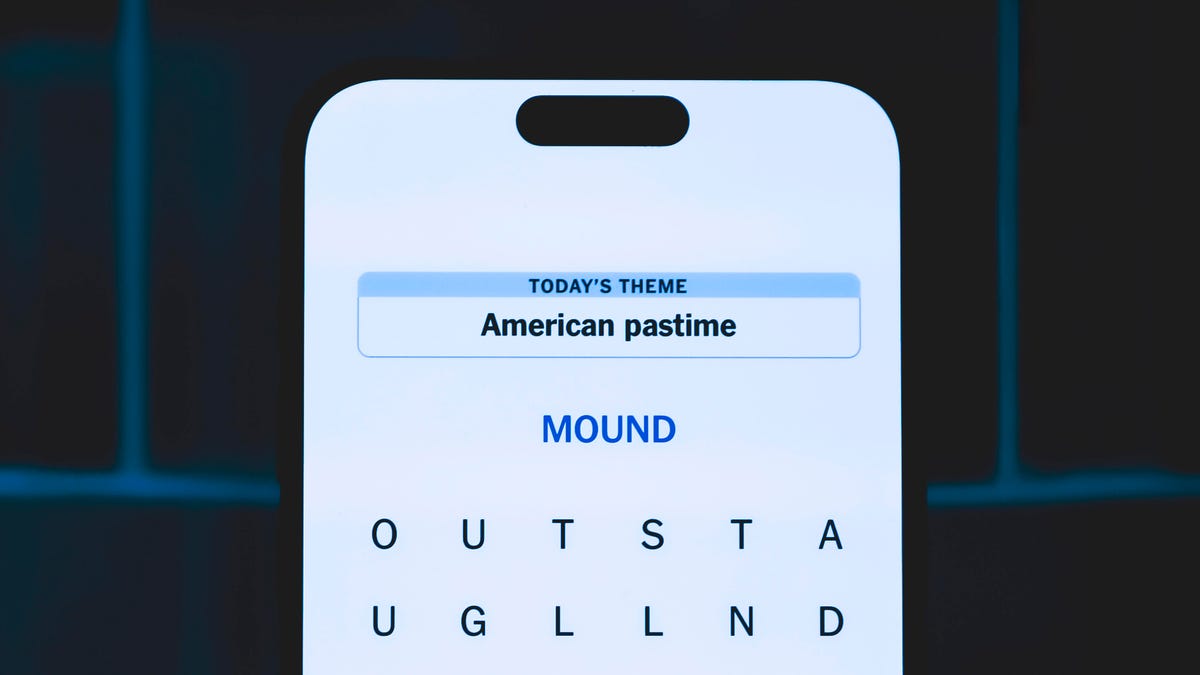
Looking for the most recent Strands answer? Click here for our daily Strands hints, as well as our daily answers and hints for The New York Times Mini Crossword, Wordle, Connections and Connections: Sports Edition puzzles.
Today’s NYT Strands puzzle is a fun one. It reminded me of one of my favorite TV shows of all time. Some of the answers are a bit tough to unscramble, so if you need hints and answers, read on.
I go into depth about the rules for Strands in this story.
If you’re looking for today’s Wordle, Connections and Mini Crossword answers, you can visit CNET’s NYT puzzle hints page.
Read more: NYT Connections Turns 1: These Are the 5 Toughest Puzzles So Far
Hint for today’s Strands puzzle
Today’s Strands theme is: A case of the Mondays
If that doesn’t help you, here’s a clue: Think Jim and Pam
Clue words to unlock in-game hints
Your goal is to find hidden words that fit the puzzle’s theme. If you’re stuck, find any words you can. Every time you find three words of four letters or more, Strands will reveal one of the theme words. These are the words I used to get those hints but any words of four or more letters that you find will work:
- COUNT, FIRE, CREAM, BOGS, GOBS, MANE, JOGS, CRIME, JOBS, RICE, RIFF, POINT
Answers for today’s Strands puzzle
These are the answers that tie into the theme. The goal of the puzzle is to find them all, including the spangram, a theme word that reaches from one side of the puzzle to the other. When you have all of them (I originally thought there were always eight but learned that the number can vary), every letter on the board will be used. Here are the nonspangram answers:
- AIDE, CLERK, MANAGER, ACCOUNTANT, RECEPTIONIST
Today’s Strands spangram
Today’s Strands spangram is OFFICEJOBS. To find it, look for the O that’s three letters down on the far-left row, and wind across.
-
 Technologies3 года ago
Tech Companies Need to Be Held Accountable for Security, Experts Say
-
 Technologies3 года ago
Best Handheld Game Console in 2023
-
 Technologies3 года ago
Tighten Up Your VR Game With the Best Head Straps for Quest 2
-
 Technologies4 года ago
Verum, Wickr and Threema: next generation secured messengers
-
 Technologies4 года ago
Black Friday 2021: The best deals on TVs, headphones, kitchenware, and more
-
 Technologies4 года ago
Google to require vaccinations as Silicon Valley rethinks return-to-office policies
-
 Technologies4 года ago
Olivia Harlan Dekker for Verum Messenger
-
 Technologies4 года ago
iPhone 13 event: How to watch Apple’s big announcement tomorrow


