

Technologies
TSA Precheck, Global Entry and Clear: Which One Is Right for You?
If you travel often or want to avoid the hassle of waiting in long lines at security, these programs are worth a look.

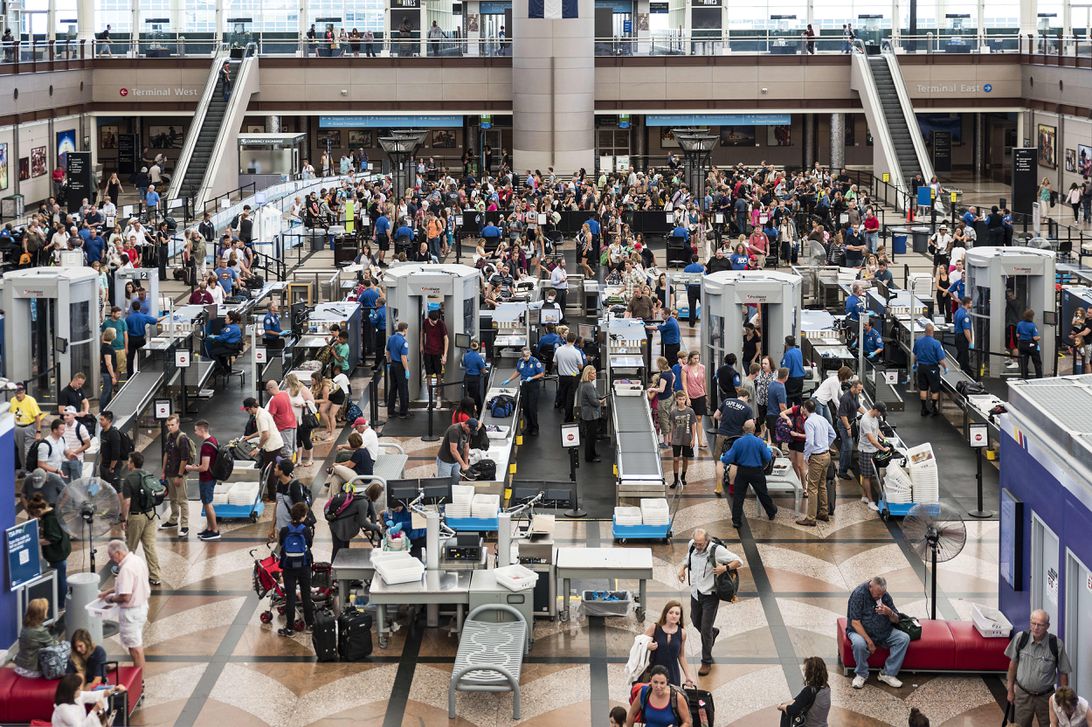
You may be planning one or more trips this year, after spending more time at home over the past two years. But who wants to start a vacation — particularly a well-earned trip after all of the ups and downs of the COVID-19 pandemic — by standing in a long line at the airport?
If you’re fully vaccinated and ready to start traveling again, there are three programs — TSA PreCheck, Global Entry and Clear — that can help you get through airport security faster.
Before you book your next vacation, keep reading to learn about TSA PreCheck versus Global Entry versus Clear, the costs, application process and benefits of each, plus how you can get them for free.
The choices and opinions below are based on independent testing by our editors, based on their travel experiences before the pandemic, who hope to once again attend product announcements, trade shows and conventions in person — in addition to traveling for pleasure. It’s a big world out there!
Our recommendations
Detailed examinations of the services follow, but here’s the express version of TSA PreCheck versus Global Entry versus Clear.
Global Entry is the best overall option. One CNET writer once called it «the best $100 I ever spent» — and the first time you use it, you’ll agree. Global Entry folds in all of the advantages of TSA Pre — much faster and less invasive TSA security checks — and adds an express line through customs and immigration on your way back to the US from international airports and destinations. If you have a passport, this is the one to get.
TSA Pre is the best option if you don’t have a passport. If you only travel domestically, TSA Pre will make flying a far less onerous process. But if you take even one international trip or head to one international airport in the next five years, you’ll kick yourself if you don’t pay the extra $15 for Global Entry.
We don’t recommend Clear at its current price. The base price of Clear feels prohibitive unless you are a frequent flyer, particularly a Delta or United frequent flyer. It’s almost $200 a year, versus just $20 per year for Global Entry. And that application fee doesn’t buy you the quicker TSA PreCheck security check, so you’re probably still going to want to invest in Global Entry or TSA Pre as well anyway. Delta and United Airlines frequent flyers can get a discount, but Clear just doesn’t seem to be worth it for most travelers planning to take only a trip or two a year. However…
Clear Sports is worthwhile for sports fans and concertgoers in select cities. No, this doesn’t really have anything to do with airports or traveling. But Clear Sports, the free tier of Clear, will give you expedited entry into 14 stadiums around the country, which could be a huge time-saver for season ticket holders who attend many games each year. If you live in one of the cities in which it’s offered — and you’re OK with the company Clear having your biometric data — this free service is worth checking out. Clear has another free service called Health Pass that works as a vaccine passport, letting you gain entry into venues that require proof of vaccination.
And, as you might suspect: If you’re a real stickler for privacy, you might want to skip all of these services.
Want a deeper dive into each of these? Read on.
TSA PreCheck
With more than 7 million members, TSA PreCheck is the most popular of the expedited airport security screening programs. It’s run by the Transportation Security Administration and lets you use special TSA PreCheck security lines at the airport instead of fighting your way through the main security lines with everyone else. In addition to the shorter security lines, the screening itself is expedited because you don’t need to remove your shoes or laptop, among other items, when going through a TSA PreCheck checkpoint. According to the TSA, 92% of TSA PreCheck members waited less than 5 minutes for screening this past May.
Who’s it for?
Any frequent flyer within the US. To be eligible, you need to be a US citizen or a lawful permanent resident. Also, TSA PreCheck members’ kids 12 and under can go through the TSA PreCheck line with their parents.
What does it do?
Not only will the line at the TSA PreCheck likely be shorter than what you’ll encounter at the regular airport security checkpoint, but you’ll go through more quickly because you won’t need to remove your shoes, belt or light jacket, or take out your laptop or liquids.
Where can I use it?
At more than 200 participating US airports and 80 participating airlines across the US.
What’s the cost?
TSA PreCheck costs $85 for five years. You can pay for your PreCheck application with a credit card, debit card, money order, company check or certified/cashier’s check. Renewing your TSA PreCheck after your first five years costs only $70 for another five years if you renew online.
How do I apply?
It’s a two-step process:
1. Fill out an online TSA PreCheck application and schedule an in-person appointment for a background check. There are more than 380 enrollment centers for the in-person interview. Unlike the early years of the program, they’re not all located in airports anymore, either.
2. Go to the appointment to answer questions for the background check and get fingerprinted.
The TSA estimates the online application will take 5 minutes to fill out, and the in-person appointment will take 10 minutes.
How does it work?
Once you’ve been approved and paid your $85, you’ll get a Known Traveler Number. When you book a flight, you must add your KTN to your reservation, which will allow you to use the TSA PreCheck lane at the airport.
Global Entry
Global Entry is a no-brainer if you like the idea of TSA PreCheck and travel internationally. Run by the US Customs and Border Protection, this program includes free TSA PreCheck and in addition lets you get through customs more quickly when entering the US from travel abroad.
Who’s it for?
International travelers going by air, land or sea. To be eligible, you need to be a US citizen, a lawful permanent resident or a citizen of the following countries: Argentina, Colombia, Germany, India, Panama, Singapore, South Korea, Switzerland, Taiwan or the UK. Kids will need their own Global Entry membership at the same cost as adults.
What does it do?
It lets you skip the long line at customs as well as the paperwork and awkward interviews with a customs agent when returning to the US. In place of that unpleasant process, Global Entry members can skip through customs by using a self-serve kiosk. And on exit from the US, Global Entry also includes TSA PreCheck to get you through airport security faster.
Where can I use it?
You can use Global Entry at dozens of airports in the US, including Guam, Saipan and Puerto Rico. It’s also available in some major Canadian airports (Calgary, Edmonton, Halifax, Montreal, Ottawa, Toronto and Winnipeg) as well as a handful of other international airports (Abu Dhabi, Aruba, Bermuda, Dublin, Grand Bahamas, Nassau). Again, that’s in addition to the advantages of a full TSA Pre membership, which you can use at over 200 domestic US airports.
What’s the cost?
Global Entry costs $100 for five years — only $3 more per year than TSA PreCheck. You can pay by credit card or through an electronic bank transfer.
How do I apply?
Similar to TSA PreCheck, you need to fill out an online application. Start by creating a Trusted Traveler Program account. Then, complete the application for Global Entry (which includes the nonrefundable $100 fee). Once you’re conditionally accepted, schedule an in-person appointment at an enrollment center and pass a background check. For your in-person interview, you will need a valid passport and one other form of identification such as a driver’s license or ID card. Lawful permanent residents must present their machine readable permanent resident card.
How does it work?
There is no additional paperwork needed beyond your US passport. Once you’re accepted, just look for the dedicated Global Entry kiosks at customs when entering the US at participating airports. The ATM-style kiosk snaps a photo and asks you about five of the same sort of questions you’d get on hand-written immigration forms (are you bringing in fruit, are you carrying $10,000 in cash) that you answer on the touchscreen. If the answers to those questions is no, you can hand off the printed receipt to an immigration officer as he or she checks your passport. You can be on your way to the luggage carousels in as little as 2 minutes.
You will also get a Global Entry ID card, but that’s only needed for land and sea port entry from Mexico or Canada. (If you’re not familiar with the SENTRI and NEXUS programs related to crossing to and from those respective countries, you probably don’t need to worry about this.)
Clear
Unlike TSA PreCheck and Global Entry, Clear is run by a private company and not the government. It lets you jump right to the front of the main security line or the TSA PreCheck line at the airport. Instead of waiting in line to show your ID and boarding pass to the TSA agent, you can scan your eye and fingerprint at a Clear kiosk and then be escorted directly to the front of the security line.
You still may want to use it along with TSA PreCheck or Global Entry because it only lets you skip the line — you’ll still need to remove your shoes, belt, laptops and liquids when you go through security, unless you also enjoy TSA PreCheck benefits.
Who’s it for?
Air travelers who hate long lines and are willing and able to scan their eyes and fingers. To be eligible, you must be at least 18 years old and have one of these types of photo ID: US driver’s license, US passport, US passport card, US-issued Permanent Resident Card, state-issued ID or US military ID.
What does it do?
Clear lets you skip the airport security line, but you’ll still need to go through the regular security screening. It saves you from needing to present your ID and boarding pass to a TSA agent after standing in the security line to do so. Instead, you can use a Clear kiosk to scan your iris and fingerprints, and then a Clear employee escorts you directly to the front of the line for security screening. You’ll need to take off your shoes and belt and remove your laptop and liquids from your carry-on for screening, unless you also have TSA PreCheck to expedite the screening and boarding process.
Where can I use it?
Clear isn’t as widespread as TSA PreCheck or Global Entry. It’s available in a select number of airports as well as a handful of stadiums to get you through security and to the game or concert faster.
What’s the cost?
Clear is pricier than TSA PreCheck or Global Entry. It has an annual fee of $179 per year, and you can add up to three family members for $50 each per year. Kids under 18 can use the Clear kiosk when traveling with a Clear family member.
Clear is the priciest of the three programs, but it’s the only one that offers a free trial. You can try the service free for two months.
Delta and United frequent flyers can get a deal on Clear. For Delta, it’s free for Diamond Medallion members, $109 a year for Platinum, Gold and Silver Medallion members, and $119 a year for General SkyMiles members. For United, it’s free for Premier 1K members, $109 a year for United credit cardmembers in the US and Platinum, Gold and Silver Premier members. And it’s $119 a year for MileagePlus members.
What is Clear Sports?
For stadium entry only, a Clear Sports membership is free and lets you bring one guest with you through the Clear security lane.
How do I apply?
Clear is the most expensive but easiest to join. You fill out an application online and then finish the process at an airport or stadium that offers Clear. No need for a separate trip to an enrollment center — you can start using Clear on the same day you enroll.
How does it work?
Your iris and fingerprints are scanned when you enroll and linked to your account. You can then use those biometrics to zip through the Clear lane at an airport or stadium instead of the regular security line. With the Health Pass, you can add a digital vaccine card to prove your vaccination credentials.
Security and privacy concerns
Global Entry and TSA Pre are US government programs, while Clear is a private corporation. But if you use any of the services, you’ll be surrendering quite a lot of personal information, including fingerprints — and your face.
In the case of Clear, the company’s website says: «We never sell or rent personal information. Personal information is only used to deliver a frictionless and secure experience with Clear.»
For Global Entry and TSA Pre, you’re surrendering that information to the federal government. That gives many people pause, especially since the government has shown it’s no better than corporations at keeping data safe. From the SolarWinds breach to the US Treasury and Commerce departments getting hacked, the feds already have a pretty dismal reputation. And US Customs and Border Protection — the very agency that administers Global Entry — has admitted that traveler photos were compromised in a cyberattack.
So, yes: None of these systems will be comfortable for folks who value privacy. And if any of that makes you uncomfortable, none of these services are for you. But while arguing for a higher level of travelers’ rights is a worthy debate, it’s not going to get you through the security line or boarding any faster for your next flight. For better or worse, increased convenience will mean sacrificing some degree of privacy, at least to the airlines, the governments of the nations you’re traveling through and their various subcontractors.
The editorial content on this page is based solely on objective, independent assessments by our writers and is not influenced by advertising or partnerships. It has not been provided or commissioned by any third party. However, we may receive compensation when you click on links to products or services offered by our partners.
Technologies
Today’s NYT Strands Hints, Answers and Help for Oct. 23 #599
Here are hints and answers for the NYT Strands puzzle for Oct. 23, No. 599.

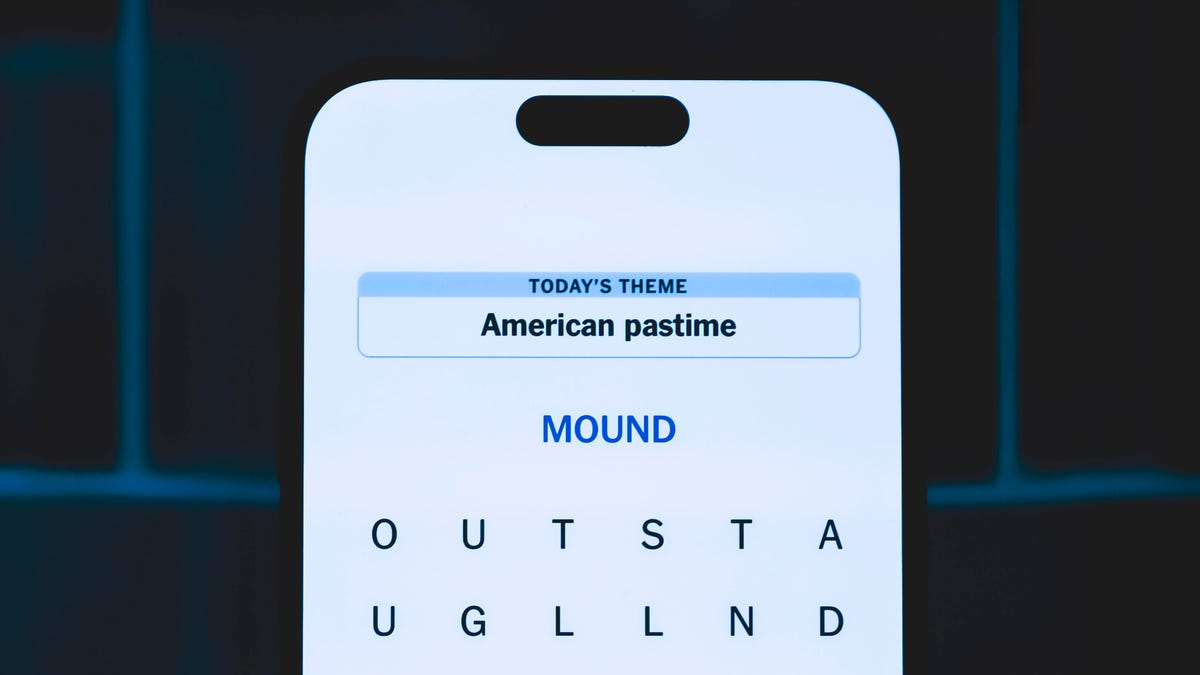
Looking for the most recent Strands answer? Click here for our daily Strands hints, as well as our daily answers and hints for The New York Times Mini Crossword, Wordle, Connections and Connections: Sports Edition puzzles.
Today’s NYT Strands puzzle might be Halloween-themed, as the answers are all rather dangerous. Some of them are a bit tough to unscramble, so if you need hints and answers, read on.
I go into depth about the rules for Strands in this story.
If you’re looking for today’s Wordle, Connections and Mini Crossword answers, you can visit CNET’s NYT puzzle hints page.
Read more: NYT Connections Turns 1: These Are the 5 Toughest Puzzles So Far
Hint for today’s Strands puzzle
Today’s Strands theme is: Please don’t eat me!
If that doesn’t help you, here’s a clue: Remember Mr. Yuk?
Clue words to unlock in-game hints
Your goal is to find hidden words that fit the puzzle’s theme. If you’re stuck, find any words you can. Every time you find three words of four letters or more, Strands will reveal one of the theme words. These are the words I used to get those hints but any words of four or more letters that you find will work:
- POND, NOON, NODE, BALE, SOCK, LOVE, LOCK, MOCK, LEER, REEL, GLOVE, DAIS, LEAN, LEAD, REEL
Answers for today’s Strands puzzle
These are the answers that tie into the theme. The goal of the puzzle is to find them all, including the spangram, a theme word that reaches from one side of the puzzle to the other. When you have all of them (I originally thought there were always eight but learned that the number can vary), every letter on the board will be used. Here are the nonspangram answers:
- AZALEA, HEMLOCK, FOXGLOVE, OLEANDER, BELLADONNA
Today’s Strands spangram
Today’s Strands spangram is POISONOUS. To find it, look for the P that is the first letter on the far left of the top row, and wind down and across.
Technologies
Today’s NYT Connections: Sports Edition Hints and Answers for Oct. 23, #395
Here are hints and the answers for the NYT Connections: Sports Edition puzzle for Oct. 23, No. 395.
Looking for the most recent regular Connections answers? Click here for today’s Connections hints, as well as our daily answers and hints for The New York Times Mini Crossword, Wordle and Strands puzzles.
Today’s Connections: Sports Edition has one of those crazy purple categories, where you wonder if anyone saw the connection, or if people just put that grouping together because only those four words were left. If you’re struggling but still want to solve it, read on for hints and the answers.
Connections: Sports Edition is published by The Athletic, the subscription-based sports journalism site owned by The Times. It doesn’t show up in the NYT Games app but appears in The Athletic’s own app. Or you can play it for free online.
Read more: NYT Connections: Sports Edition Puzzle Comes Out of Beta
Hints for today’s Connections: Sports Edition groups
Here are four hints for the groupings in today’s Connections: Sports Edition puzzle, ranked from the easiest yellow group to the tough (and sometimes bizarre) purple group.
Yellow group hint: Fan noise.
Green group hint: Strategies for hoops.
Blue group hint: Minor league.
Purple group hint: Look for a connection to hoops.
Answers for today’s Connections: Sports Edition groups
Yellow group: Sounds from the crowd.
Green group: Basketball offenses.
Blue group: Triple-A baseball teams.
Purple group: Ends with a basketball stat.
Read more: Wordle Cheat Sheet: Here Are the Most Popular Letters Used in English Words
What are today’s Connections: Sports Edition answers?
The yellow words in today’s Connections
The theme is sounds from the crowd. The four answers are boo, cheer, clap and whistle.
The green words in today’s Connections
The theme is basketball offenses. The four answers are motion, pick and roll, Princeton and triangle.
The blue words in today’s Connections
The theme is triple-A baseball teams. The four answers are Aces, Jumbo Shrimp, Sounds and Storm Chasers.
The purple words in today’s Connections
The theme is ends with a basketball stat. The four answers are afoul, bassist, counterpoint and sunblock.
Technologies
Amazon’s Delivery Drivers Will Soon Wear AI Smart Glasses to Work
The goal is to streamline the delivery process while keeping drivers safe.

Amazon announced on Wednesday that it is developing new AI-powered smart glasses to simplify the delivery experience for its drivers. CNET smart glasses expert Scott Stein mentioned this wearable rollout last month, and now the plan is in its final testing stages.
The goal is to simplify package delivery by reducing the need for drivers to look at their phones, the label on the package they’re delivering and their surroundings to find the correct address.
Don’t miss any of our unbiased tech content and lab-based reviews. Add CNET as a preferred Google source.
A heads-up display will activate as soon as the driver parks, pointing out potential hazards and tasks that must be completed. From there, drivers can locate and scan packages, follow turn-by-turn directions and snap a photograph to prove delivery completion without needing to take out their phone.
The company is testing the glasses in select North American markets.
Watch: See our Instagram post with a video showing the glasses
A representative for Amazon didn’t immediately respond to a request for comment.
To fight battery drain, the glasses pair with a controller attached to the employee’s delivery vest, allowing them to replace depleted batteries and access operational controls. The glasses will support an employee’s eyeglass prescription. An emergency button will be within reach to ensure the driver’s safety.
Amazon is already planning future versions of the glasses, which will feature «real-time defect detection,» notifying the driver if a package was delivered to the incorrect address. They plan to add features to the glasses to detect if pets are in the yard and adjust to low light.
-
 Technologies3 года ago
Tech Companies Need to Be Held Accountable for Security, Experts Say
-
 Technologies3 года ago
Best Handheld Game Console in 2023
-
 Technologies3 года ago
Tighten Up Your VR Game With the Best Head Straps for Quest 2
-
 Technologies4 года ago
Verum, Wickr and Threema: next generation secured messengers
-
 Technologies4 года ago
Black Friday 2021: The best deals on TVs, headphones, kitchenware, and more
-
 Technologies4 года ago
Google to require vaccinations as Silicon Valley rethinks return-to-office policies
-
 Technologies4 года ago
Olivia Harlan Dekker for Verum Messenger
-
 Technologies4 года ago
iPhone 13 event: How to watch Apple’s big announcement tomorrow


